

An OperGo tool · From STEP to manual
Make assembly instructions for free, from your CAD. In minutes.
Assembly manuals with a professional finish, like IKEA or LEGO ones, made from your real parts. And from the same STEP: the video of the steps, the dimension drawing and the exploded view.
To make your manual, open this page on a computer.
Or drop your file anywhere on this page. One STEP of the whole assembly, with all its parts · AP203, AP214 or AP242 (.stp, .step) · up to 64 MB
Your STEP is kept in your account and not shared
From the same STEP
Five documents, from a single file.
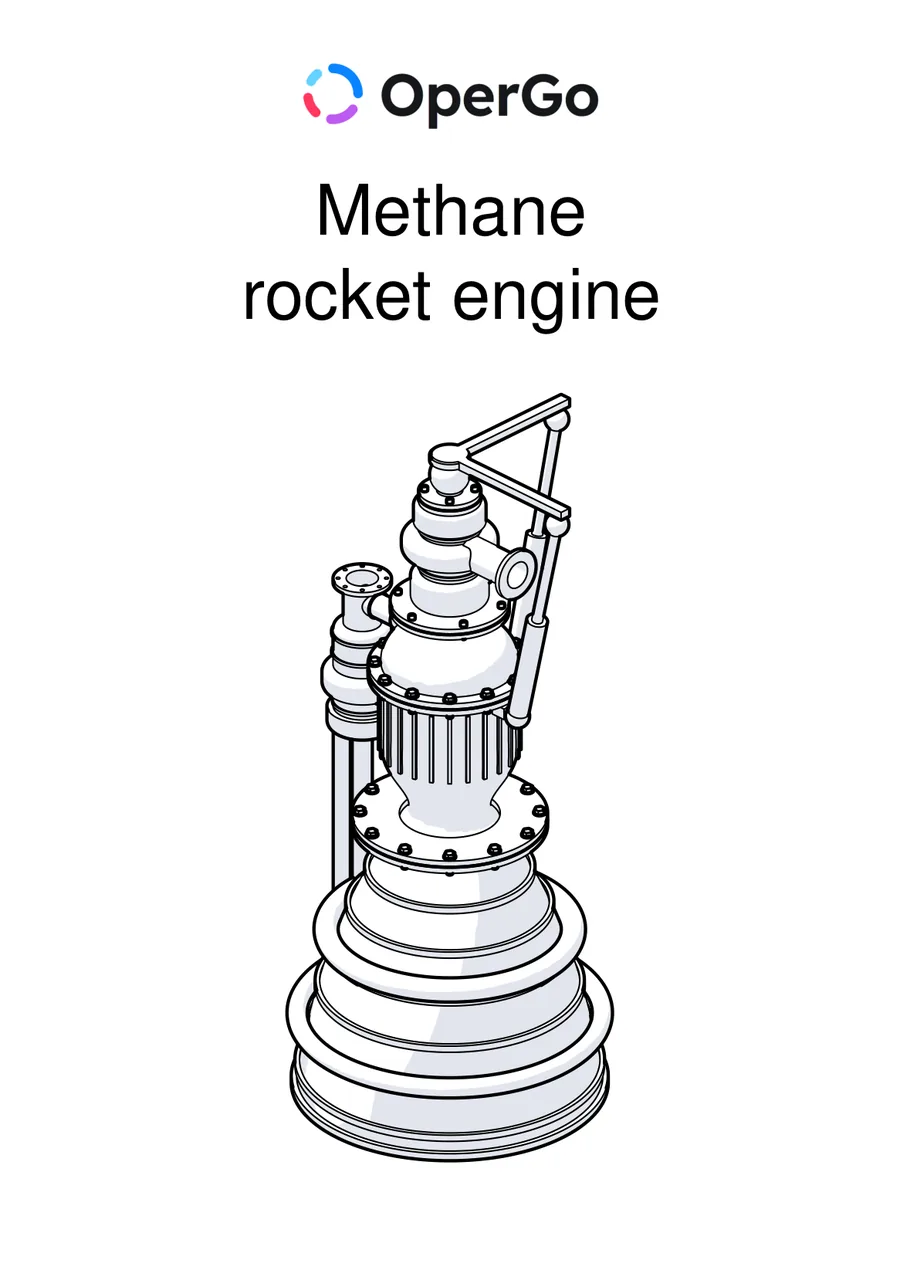
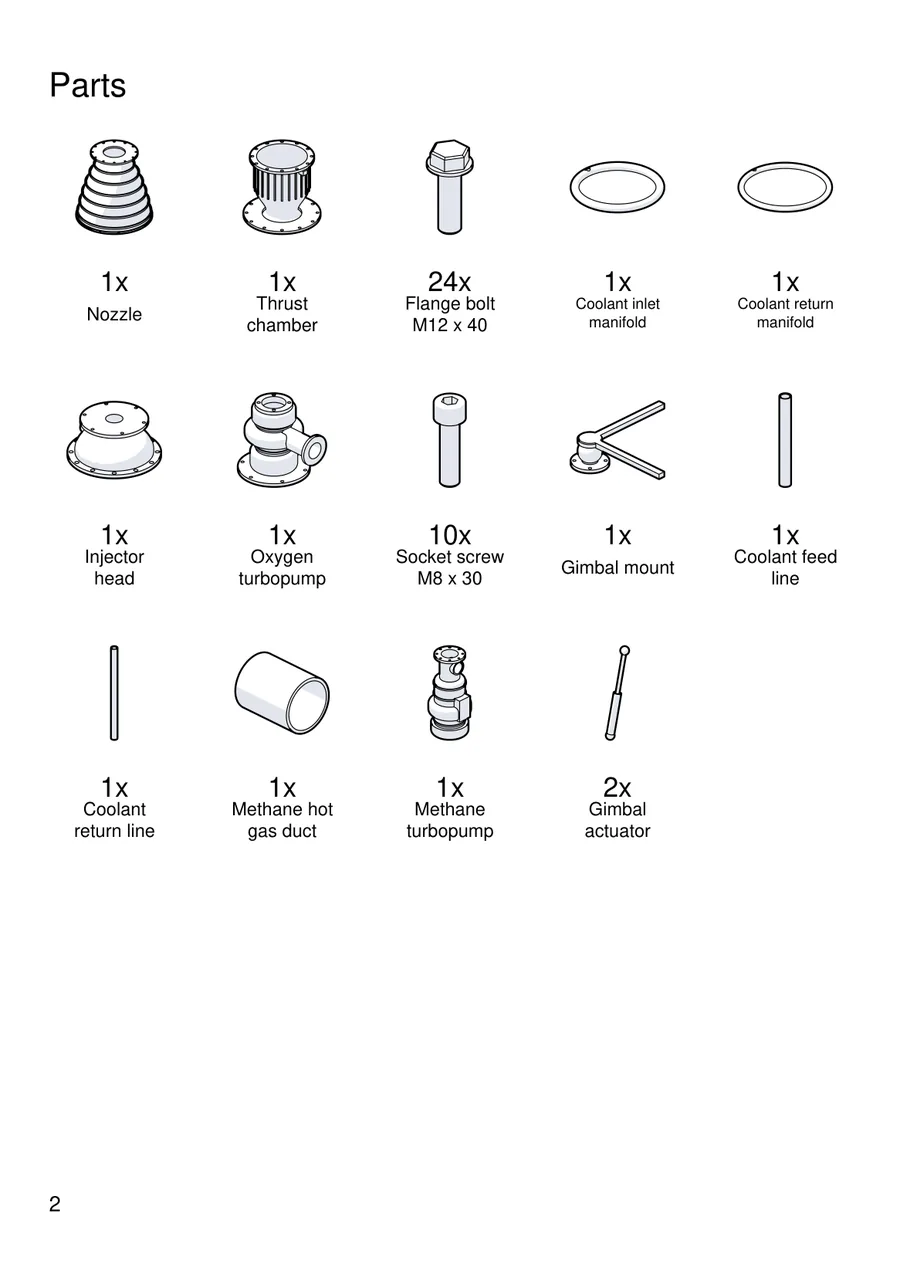
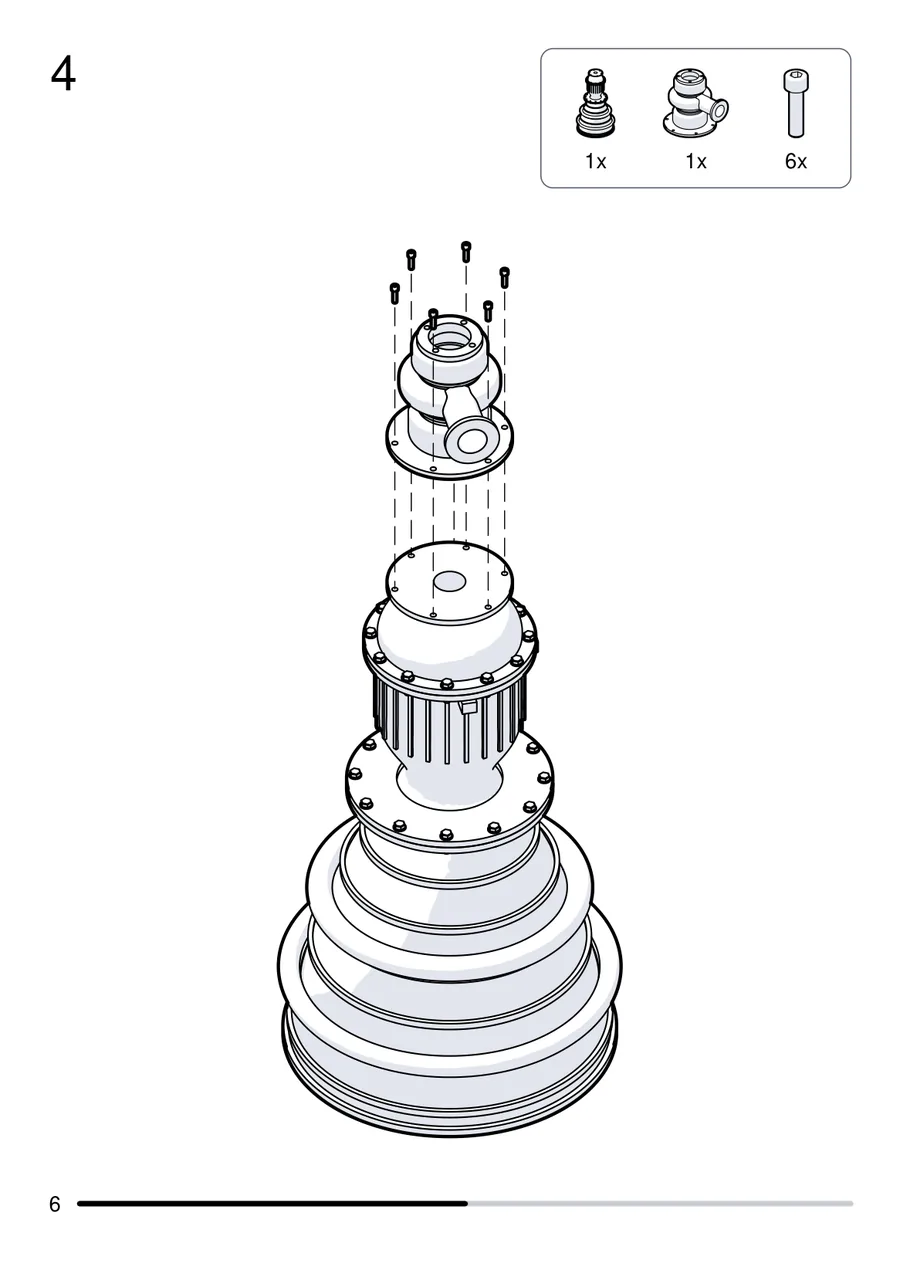
IKEA-style assembly manual
One clean drawing per step, in lines and grays, with arrows, tools and symbols: the professional finish of an IKEA manual. As a vector PDF, ready to print.
Free to create and view in fullHow to make assembly instructions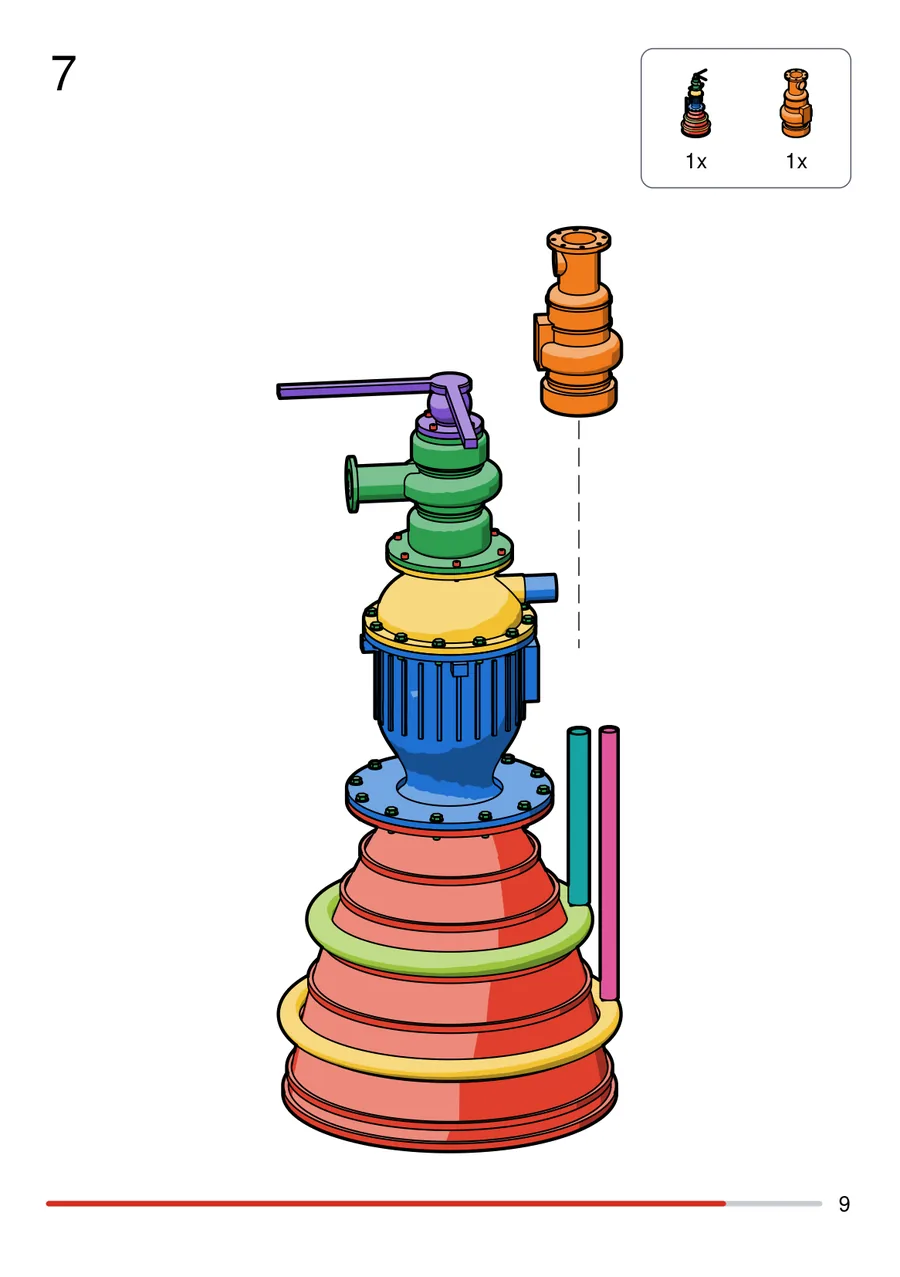
LEGO-style assembly manual
The same manual with each part in its own color, on light paper, and above each step the box with the parts that go in and how many: like LEGO manuals. You pick it in Layout.
Same price as the line style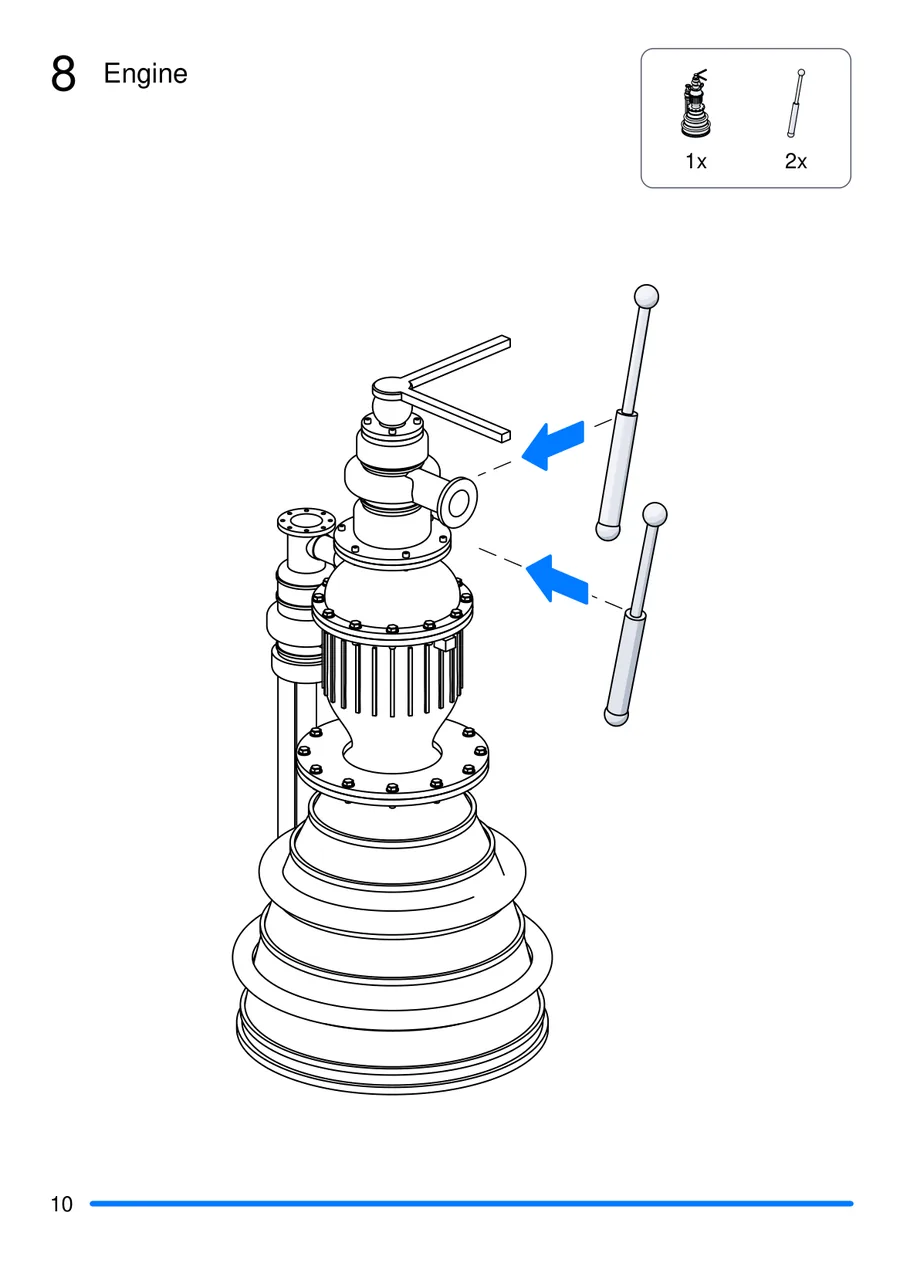
Apple-style assembly manual
Fine lines, white parts and only what goes in in gray. A single blue for arrows and signs, and one short sentence per step: the manual of a gadget.
Same price as the line styleVideo of the steps
The same steps as an MP4 video: the camera moves from one step to the next and each new part slides into place. For your website, your online shop or the screen at the assembly station.
Included when you pay for the manual or are an OperGo customer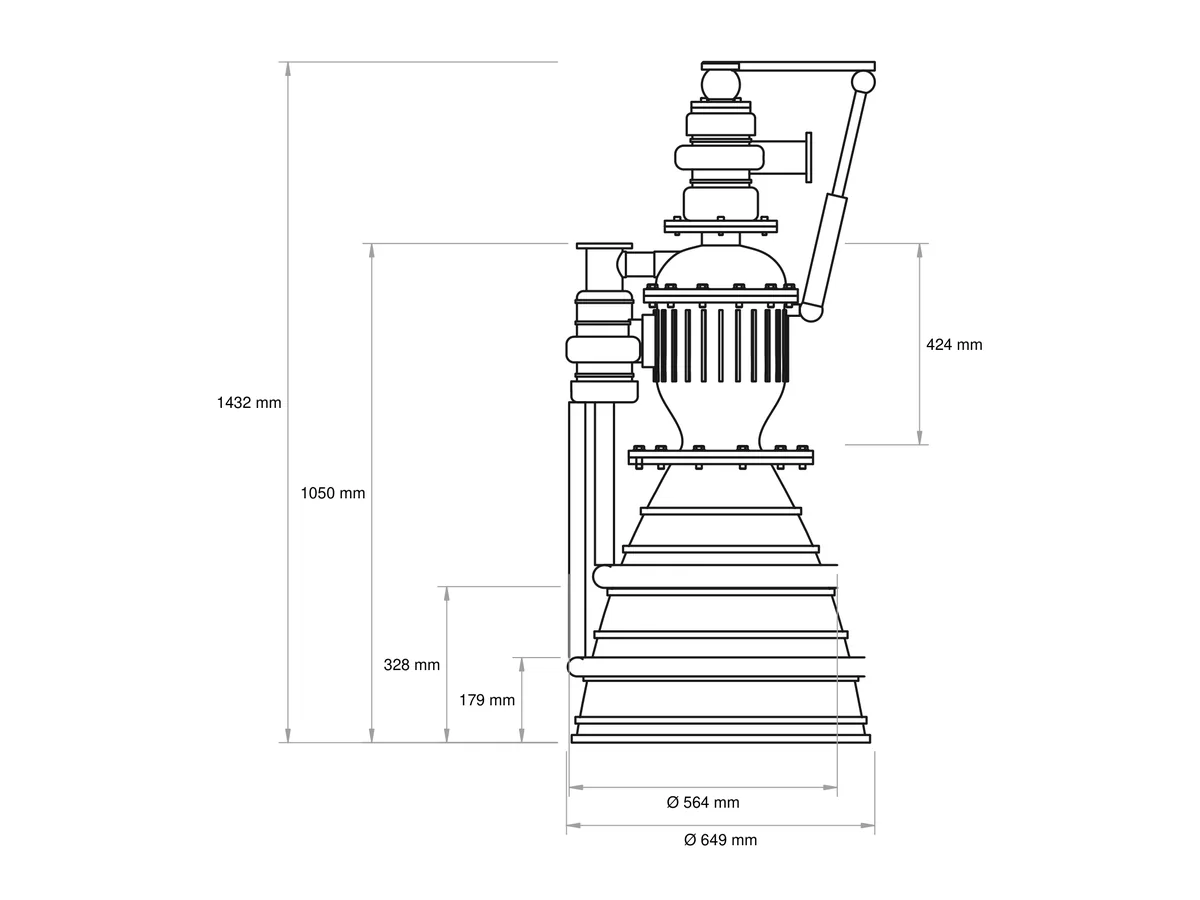
Dimension drawing for the data sheet
The views of the product with its width, height and depth, without hidden lines: the measurements for the data sheet or the catalog, with nothing to redraw.
Free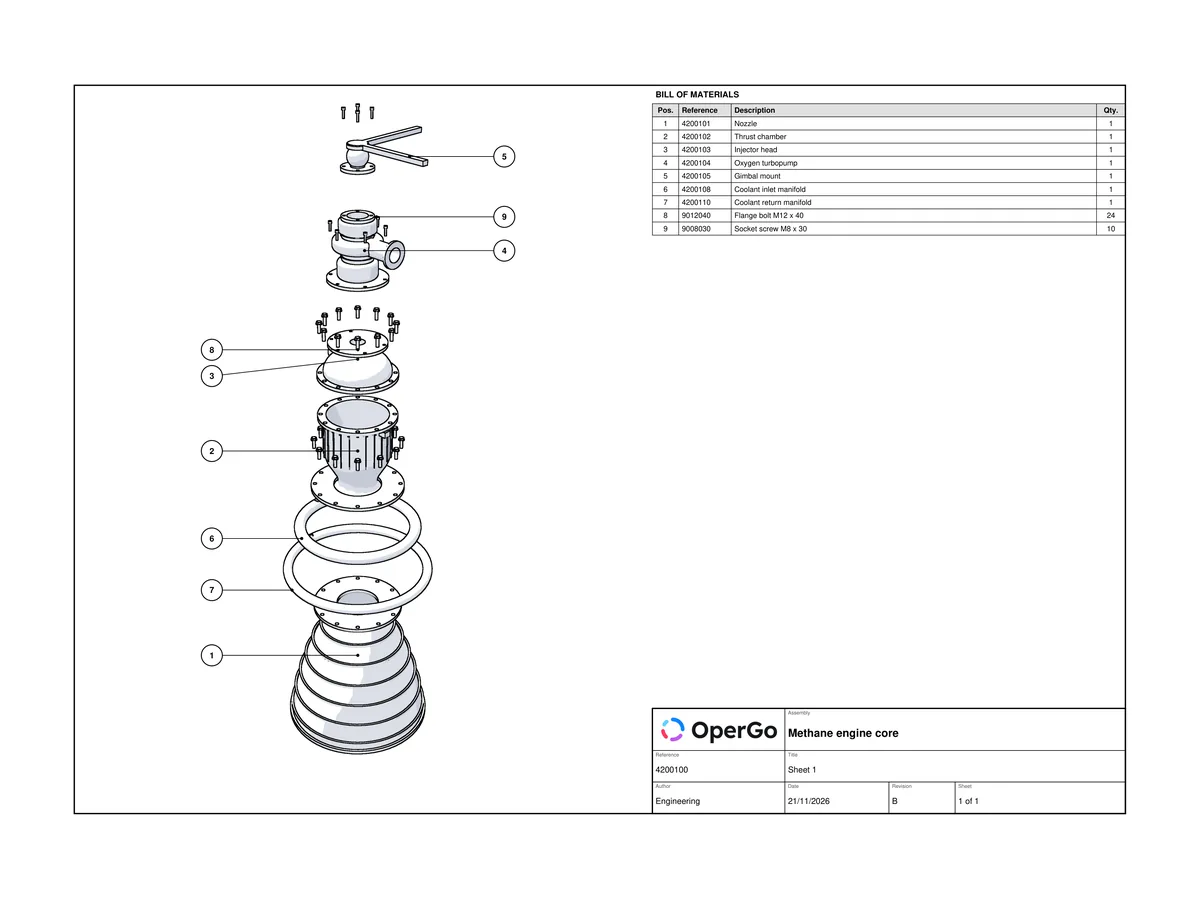
Exploded view with bill of materials
The exploded view with numbered balloons, the bill of materials and the title block, as a PDF, and the list as CSV. For production, purchasing and spare parts.
FreeExploded view drawing
Everything it has inside
What a manual needs, already drawn.
Tools and symbols
Screwdrivers, wrenches, drills, wall plugs, screws, cables, arrows and warnings: more than sixty symbols that snap to the axis of each hole.
Cover, safety and warranty
The pages of a real manual: cover, before you start, warnings, technical data, recycling, CE marking and a back cover with a QR code.
Parts counted for you
The parts and tools page and, in each step, the box with what goes in and how many: 1x, 4x, 12x.
Full-size ruler
Screws, pins and rods drawn 1:1 at the foot of the step, so you can hold them against the paper and not mix them up.
Your logo and your style
Logo on the cover and in the video, lines or color per part, palettes, paper and line weights. The style is saved and applied to your next manual.
Vector PDF and MP4 video
The PDF opens and edits in Illustrator or Affinity and fits the 10 MB limit of Amazon. The video comes in 1080p.
In eleven languages
The tool and the manual texts in Spanish, English, German, French, Italian, Catalan, Portuguese, Polish, Dutch, Turkish and Japanese.
Change the 3D, keep the steps
Load the revised STEP and the manual keeps its steps, its symbols and what you already paid for.
Pricing
Creating is free. You pay only when you download.
Creating your manual and viewing it whole costs nothing. When you download it, the more steps it has, the less each one costs.
| What | FreeFreeOne a day, of up to 4 steps | Pay per manual€5.20One payment for this manual | OperGo customersFree20 manuals a month |
|---|---|---|---|
| Create the manual and view it whole | |||
| Download the exploded view and the dimension drawing | |||
| The manual as PDF | One a day, of up to 4 steps | All, of any size | 20 manuals a month |
| The assembly video of the steps | |||
- What you pay for is yours: you edit it and download it again for free. If you add steps, you pay only the difference.
- No subscription: you pay only for the manuals you download.
Frequently asked questions
What people usually ask.
What is an exploded view?
A drawing of an assembly with its parts pulled apart along their assembly axes, to show how they fit. In Composer it comes with numbered balloons and a bill of materials.
How do I make free IKEA-style assembly instructions from a STEP file?
Open the STEP and split the parts into steps; each step comes out as a page of line drawing, with arrows, tools and symbols. Creating the manual and viewing it whole is free; to download it you get one free download a day (up to 4 steps) and, for the rest, a price from €1.90.
Do I need SolidWorks or another CAD program?
No. Only the STEP of the whole assembly, exported from the assembly with all its parts (not part by part), in AP203, AP214 or AP242. Any CAD program exports it.
What happens to my STEP?
It is kept with your manual, in your account, so you can open and edit it whenever you want. It is not shared with anyone. It stays as long as your account exists; you delete it from My manuals or when you close the account.
How much does it cost?
Creating the manual and viewing it whole is free, and so is downloading the exploded view and the dimension drawing. For the manual you get one free download a day if it has up to 4 steps; the rest cost from €1.90, VAT included, and the more steps it has, the less each one costs. What you pay for is yours: you edit it and download it again for free, and if you add steps you pay only the difference. OperGo customers get 20 manuals a month.
Start for free
Put your assembly to the test.
To make your manual, open this page on a computer.
An OperGo tool · Custom manufacturing with in-house engineers.
A tool from OperGo
Version v0.9.0 · D490 · c7c08d4