
Scanner guide
Elegoo M1 Ultra scan to STEP
Elegoo M1 Ultra scan to STEP takes one step outside ELEGOO SCAN: the scanner software exports STL, OBJ, PLY and ASC files, not STEP. Export the mesh, upload it to OperGo Surface and download a STEP your CAD opens as a solid, after checking how far it departs from your scan.
STL, OBJ, PLY, 3MF or AMF · in millimeters
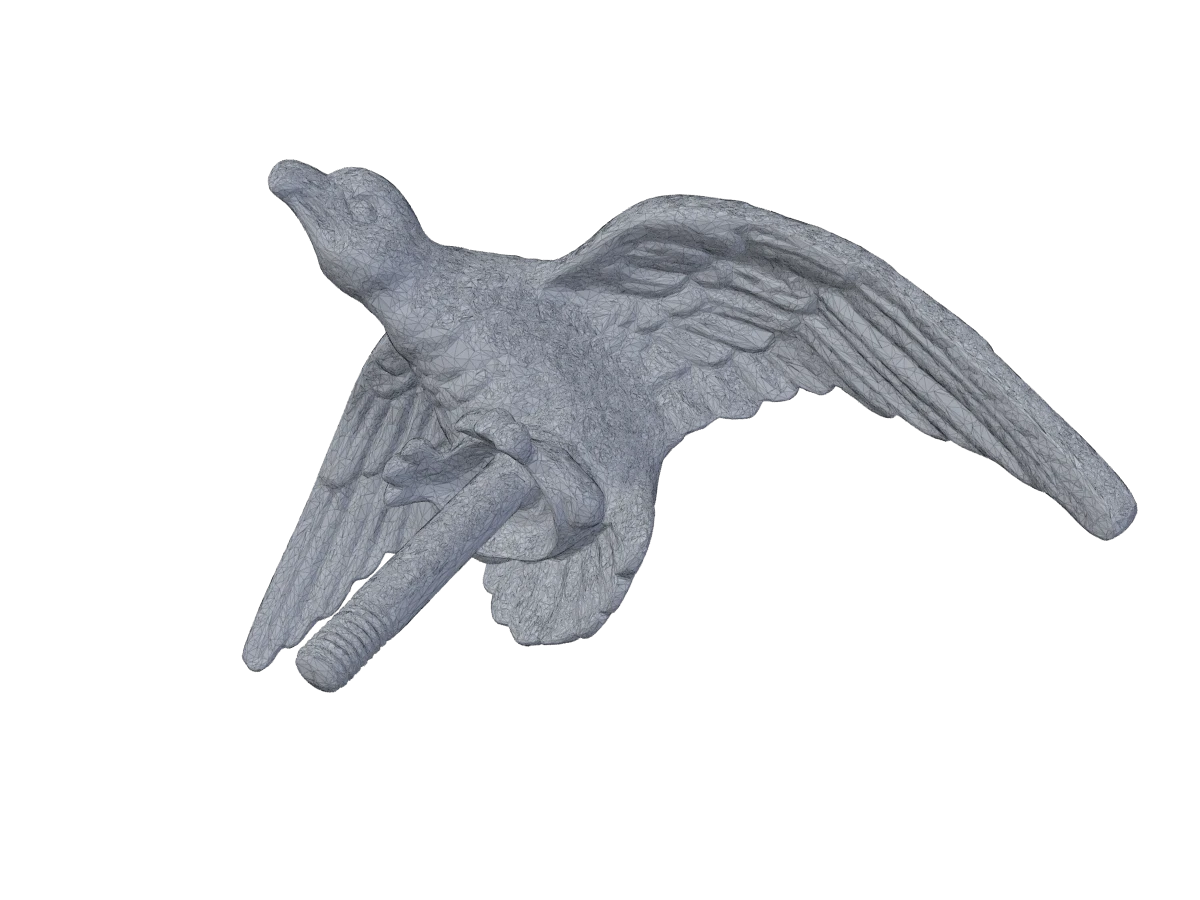 Before
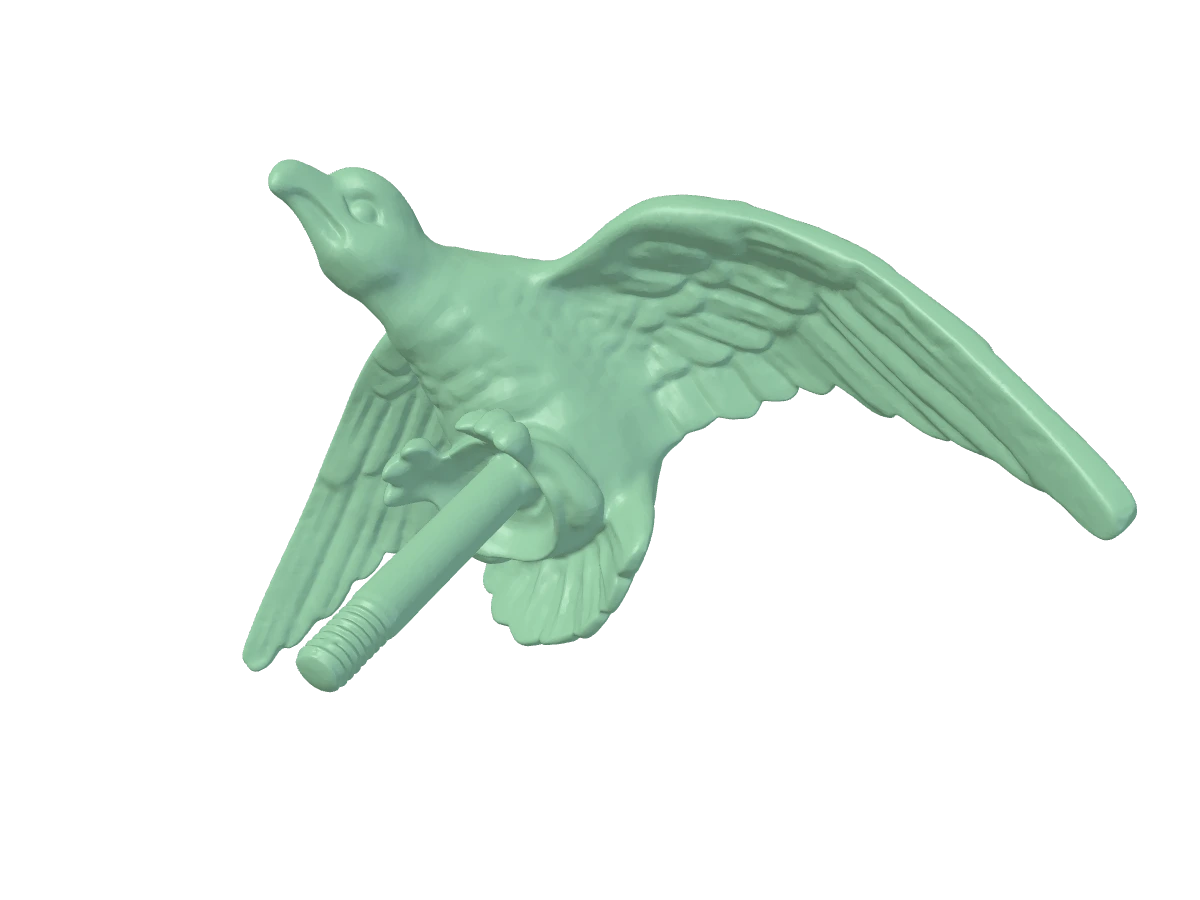 After
What ELEGOO SCAN exports, and which file to upload
| Format | What it holds | For OperGo Surface |
|---|---|---|
| STL | The mesh, no color | Yes. The simplest choice |
| OBJ | The mesh | Yes. Only the shape is used |
| PLY | The mesh, or a point cloud | Yes, as a mesh. A point cloud has no triangles |
| ASC | Points only | Not read. Export the mesh |
Export formats from the Elegoo press release of 29 October 2026, checked on 30 October 2026. STEP is not among them.
What Elegoo says about the M1 Ultra
| Question | What Elegoo says |
|---|---|
| What it is | A handheld 3D scanner, the first from Elegoo, on sale since 29 October 2026 |
| How it scans | Five scanning modes: blue laser modes, one of them for deep holes and narrow gaps, and infrared structured light |
| Markers | A marker-free blue laser mode, for surfaces where applying markers is not practical |
| Color | Full-color texture |
| On the scanner | A touchscreen, Wi-Fi and a swappable battery |
| Scan software | ELEGOO SCAN |
| STEP or CAD export | Not among the export formats |
From the Elegoo press release of 29 October 2026 and its product page, checked on 30 October 2026.
What ELEGOO SCAN does
Elegoo describes ELEGOO SCAN as guided setup, tracking assistance and alignment of several scans, with one-click processing that turns the capture into a mesh, optimizes it and maps the color onto it. That mesh is what you export.
Elegoo says the exported files are meant for use in third-party software. A mesh is triangles that follow the surface; your CAD needs surfaces and solids to design with the part, which is what a STEP file holds. See STL vs STEP for the difference.
Why you would want a STEP from a scan
A mesh prints. A STEP lets you design with the part.
Reverse engineer a part
Rebuild a broken or discontinued part as a solid you can measure, change and send to be made.
Design a part that fits
A mount, a case or a cover that has to fit a scanned object. You model it in CAD against the scanned shape.
Have it made
A machine shop works from surfaces and solids, not triangles. See can you CNC machine an STL file.
From ELEGOO SCAN to STEP
Process the scan into a mesh
Let ELEGOO SCAN turn the capture into a mesh before you export. A point cloud alone has no surfaces to convert.
Remove what is not the part
Cut away the table, the turntable and any fixture that was scanned with the part.
Export STL, OBJ or PLY
Any of the three works; ASC holds points only. If your scan has color, the STEP keeps the shape only.
Upload, pick the mode and check
A whole object converts as a Closed part and gives a solid; a scan of one side gives an Open surface. Look at the deviation map, then download the STEP.
Questions about Elegoo M1 Ultra scan to STEP
Can the Elegoo M1 Ultra export STEP?
No. Elegoo lists STL, OBJ, PLY and ASC as the export formats of ELEGOO SCAN. A STEP comes from converting the mesh.
Which M1 Ultra file should I upload?
STL is the simplest. OBJ and PLY work too. Do not upload an ASC file: it holds points, not a mesh.
Does the STEP keep the color of my M1 Ultra scan?
No. The M1 Ultra captures color, but the STEP describes the shape only, as smooth surfaces. Color and texture are left out.
How accurate is a STEP made from a scan?
It follows your mesh, and you see how far before you download: a map in 3D and the maximum deviation. The mesh is only as accurate as the scan, so measure the dimensions that matter on the real part.
Is OperGo part of Elegoo?
No. Elegoo and its product names belong to their owner, and OperGo is not affiliated with it.
Related guides
3D scanner to STEP
3D scanner to STEP: scan software exports a mesh, not a STEP. What Revopoint, Creality, Shining 3D, 3DMakerpro and phone apps export, and how to convert it.
3D scan to CAD
3D scan to CAD in plain terms: what a scanner gives you, which mode fits your scan, how to prepare it, and how to check the STEP you get.
STL vs STEP
STL vs STEP: an STL is a list of triangles that describes only the surface shape; a STEP holds exact surfaces and solids a CAD can measure and edit.
Faceted vs smooth STEP
Faceted vs smooth STEP: a faceted STEP has one flat face per triangle. Check your file in a minute and learn how to get smooth surfaces instead.
Can you CNC an STL file?
Can you CNC an STL file? Sometimes, but an STL is only triangles. What machining needs, how to turn an STL into a STEP, and what to send for a quote.
Convert STL to STEP
Convert STL to STEP online. Smooth surfaces, and exact planes and cylinders on CAD parts, not one flat face per triangle. Check the result before downloading.
Put your M1 Ultra scan to the test
Upload the mesh from ELEGOO SCAN and see the result in 3D next to it. Viewing is free at every quality.