
An OperGo tool · From STL to STEP
Convert STL to STEP.
Upload your STL and download a STEP with smooth surfaces, checked and ready for your CAD.
One part or a hundred. Scans, prints and old parts.
Or drop your file anywhere on this page. STL, OBJ, PLY, 3MF or AMF files · in millimeters
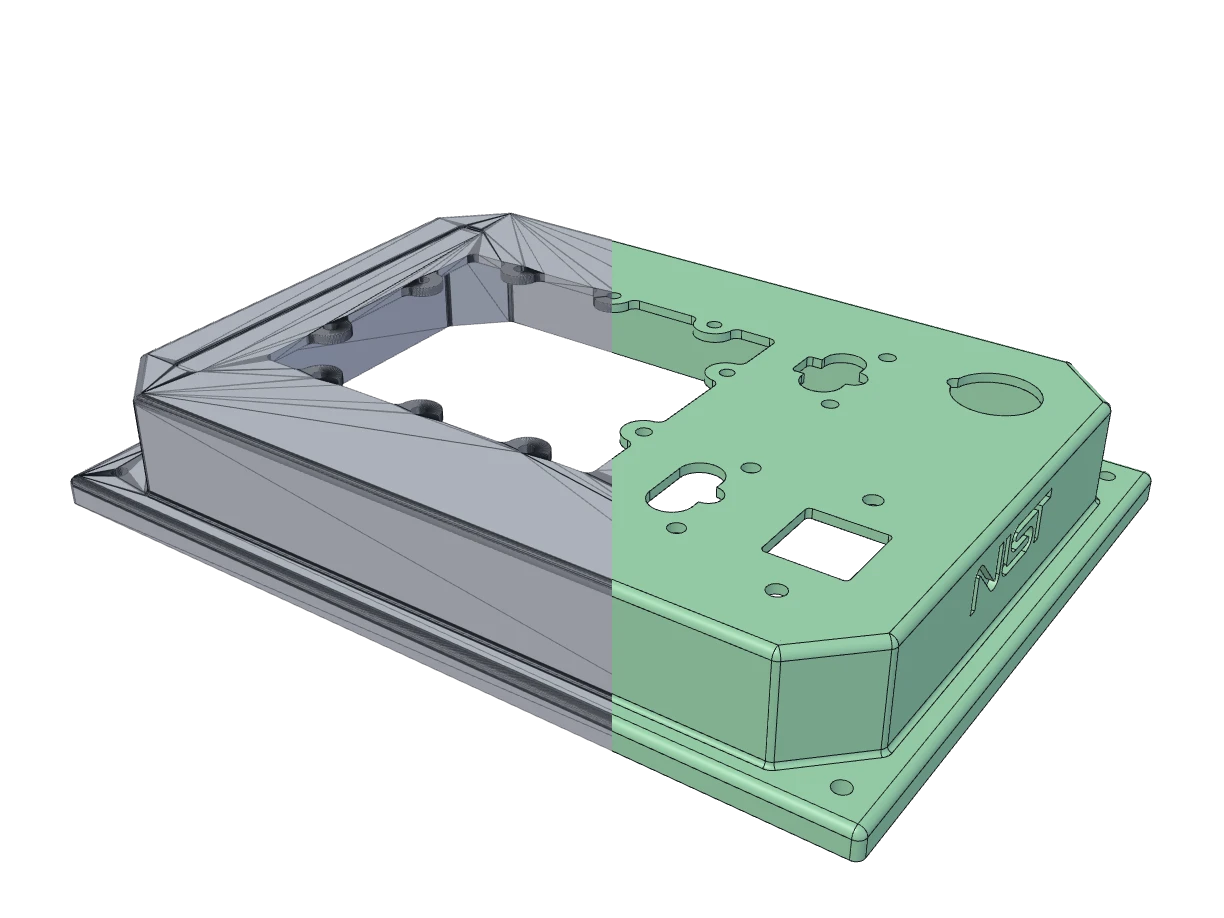
29,696 triangles → 247 exact faces · 99.9% exact shape
NIST test model
- Protected files
- A tool from OperGo
- Checked before you download
How it works
From your file to your CAD
- 1
Upload your file
An STL, OBJ, PLY, 3MF or AMF. We look at it and show you the part.
in seconds - 2
Review and choose
Choose how to convert it and at what quality. Viewing the result is free at every quality.
you decide - 3
Download your STEP
We check it before handing it over. Normal quality is free.
in minutes
Three modes
One mode for each
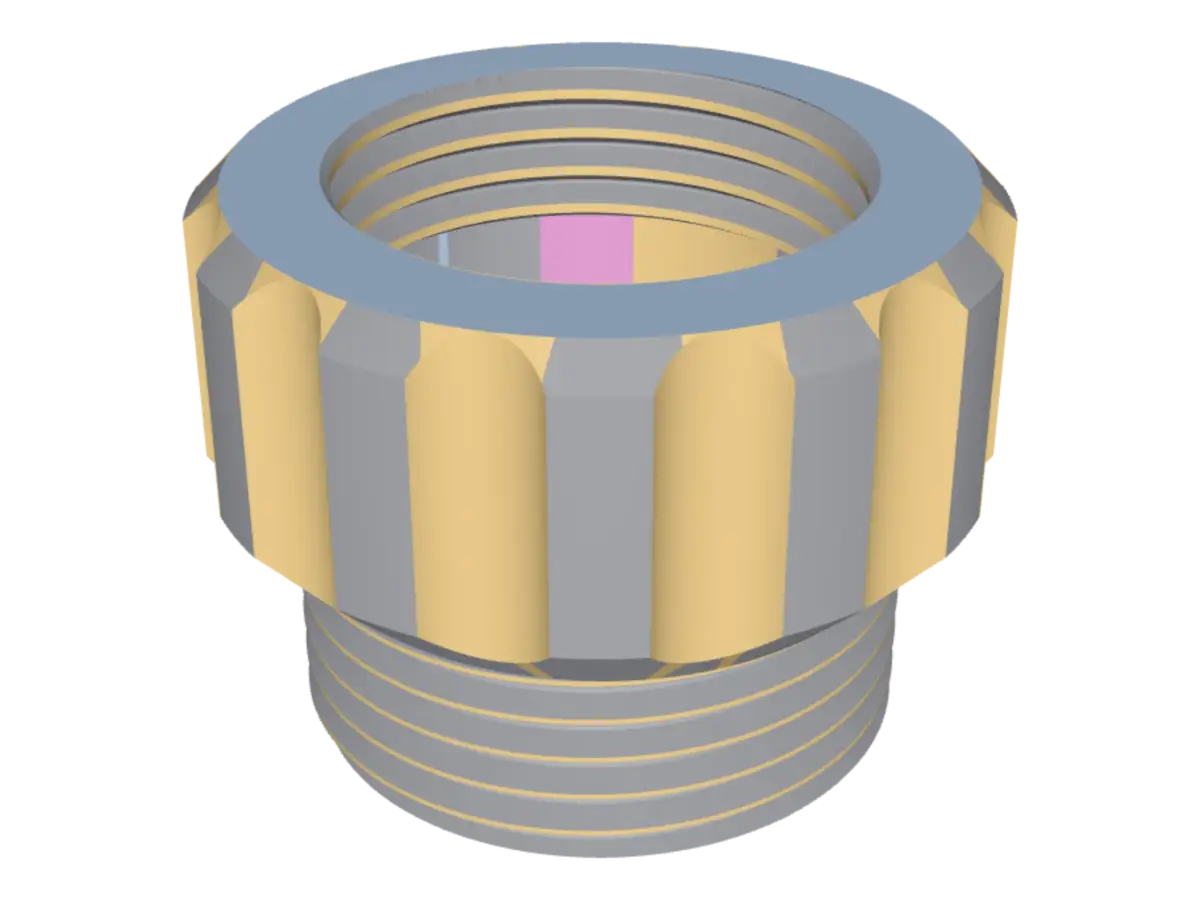
CAD part
Planes, cylinders and holes become exact faces again, which you select and edit in your CAD. For parts designed in CAD.
€2.99 per fileModel by RedDukem · CC BYFaceted or smooth STEP: how to tell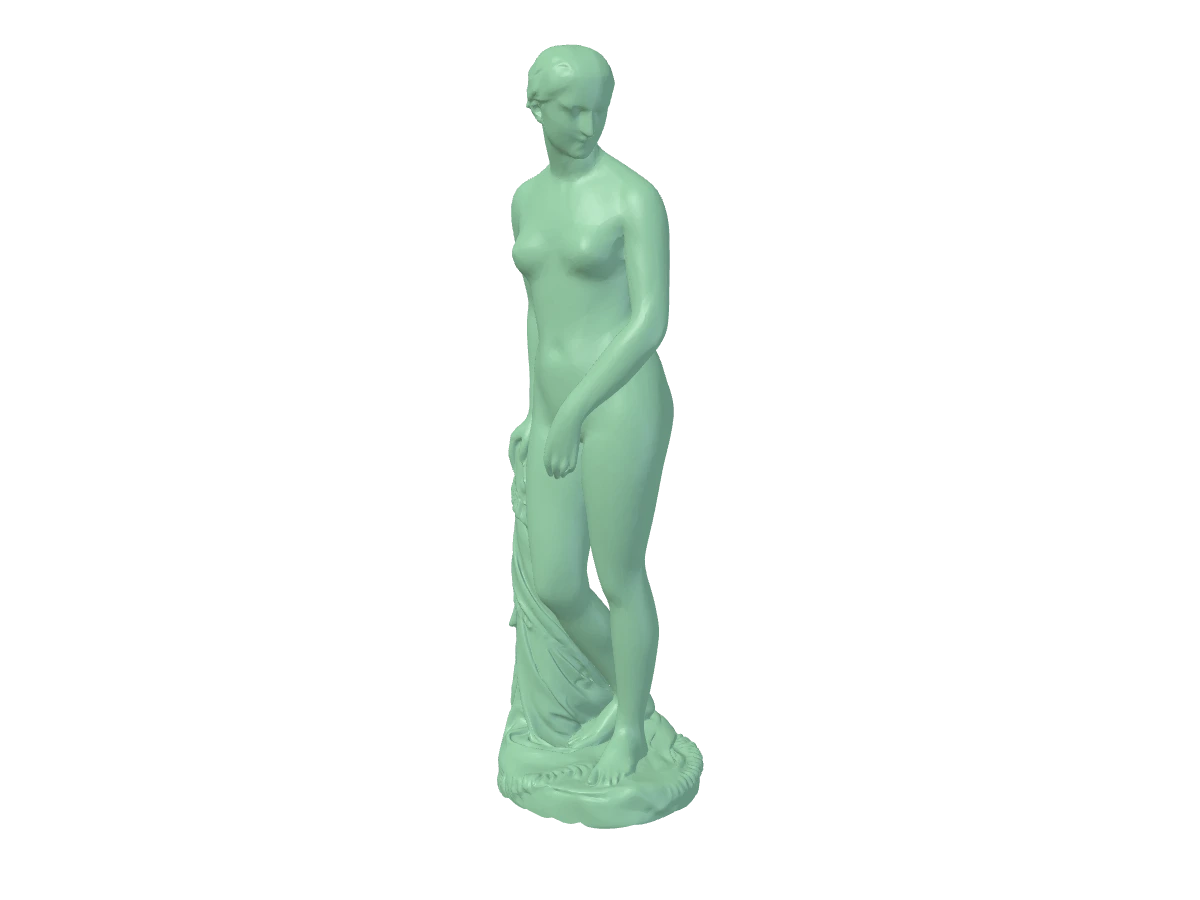
Closed part
A closed solid of smooth surfaces, true to the shape of your part. For scans, sculptures and organic parts.
Normal is free · €4.99 or €9.99 by resolutionSmithsonian American Art Museum · CC03D scan to CAD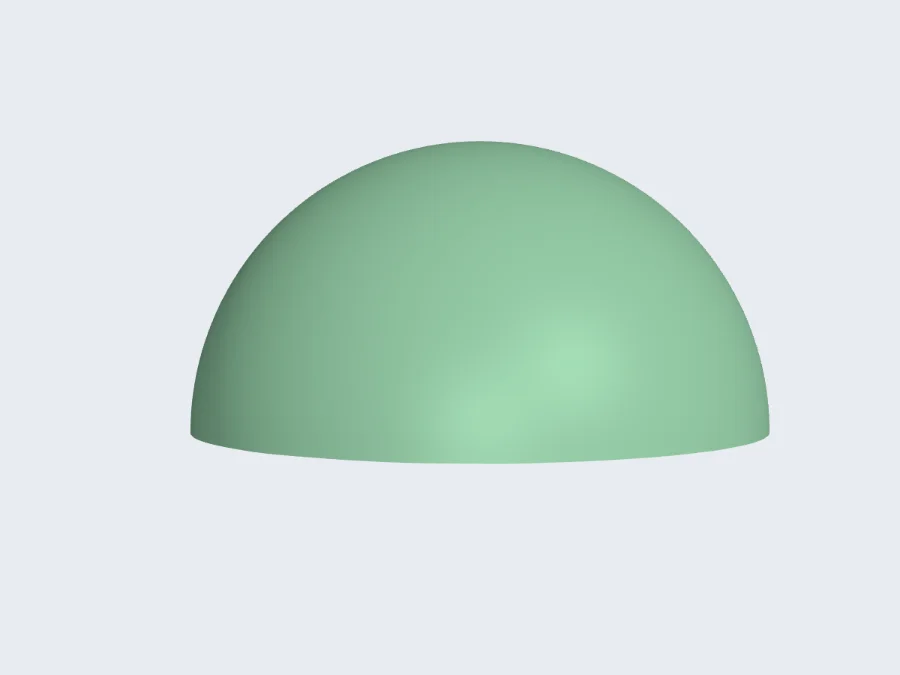
Open surface
Smooth surfaces that leave the gaps open and invent nothing. For partial scans or thin skins.
Normal is free · €4.99 or €9.99 by resolution
Examples
Real parts, converted
What each mode gives with real parts.
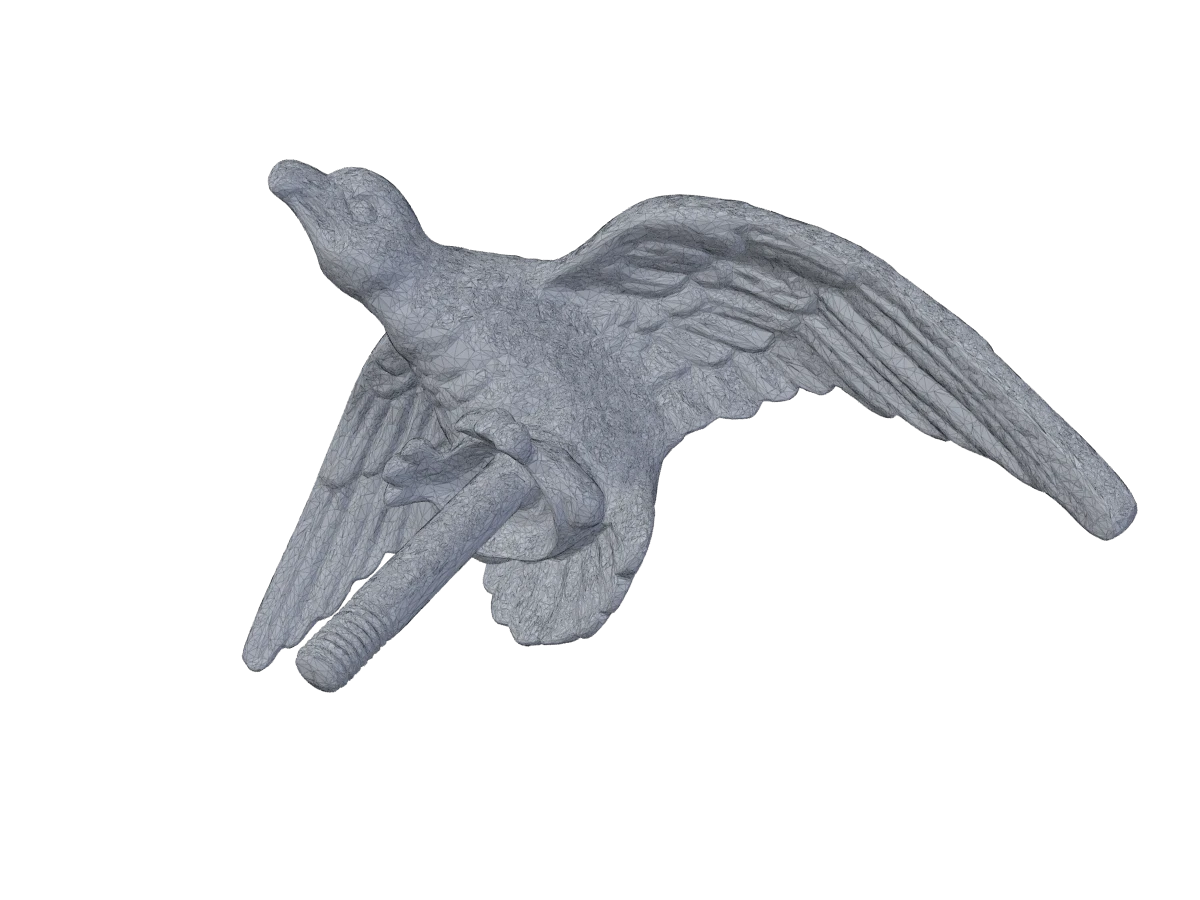
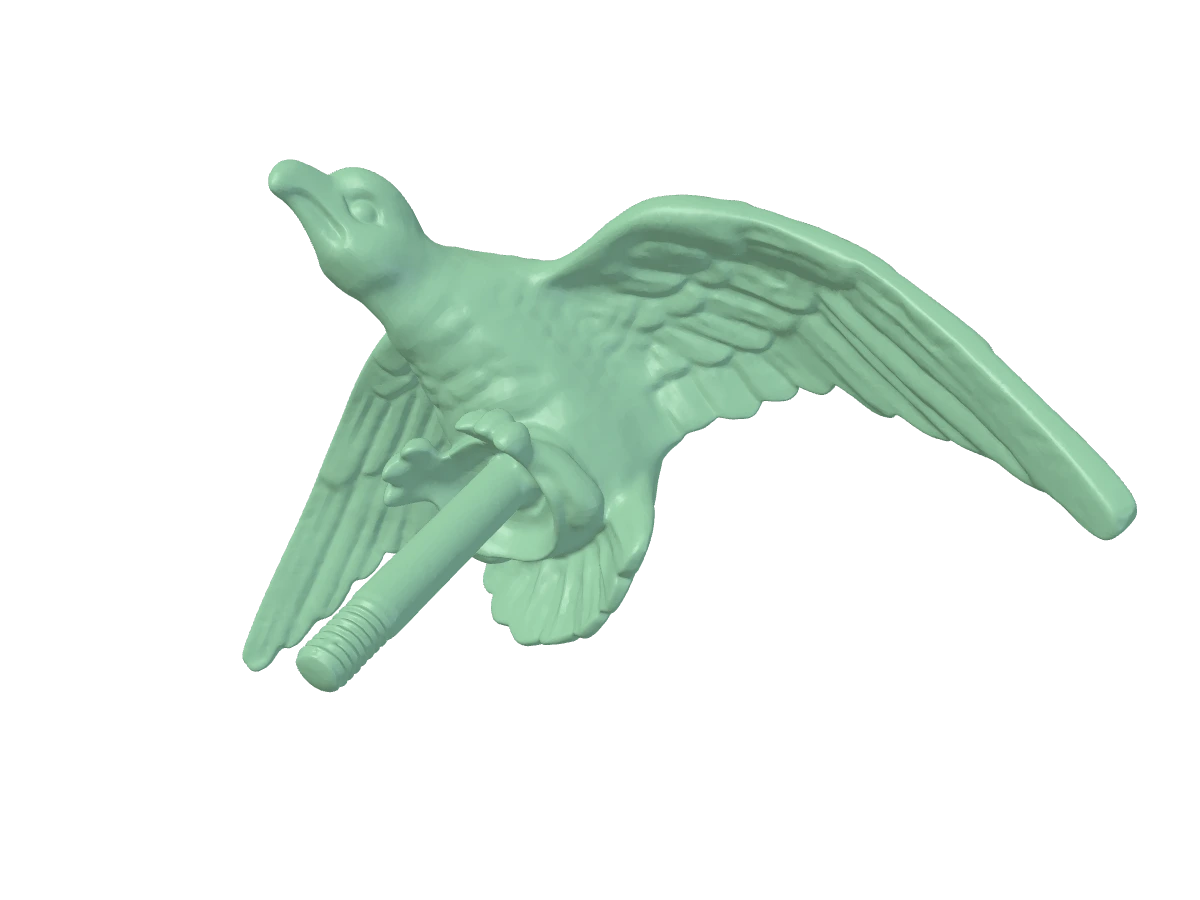
Closed part
1951 Riley bonnet ornament
1.5Mtriangles22,724resolution
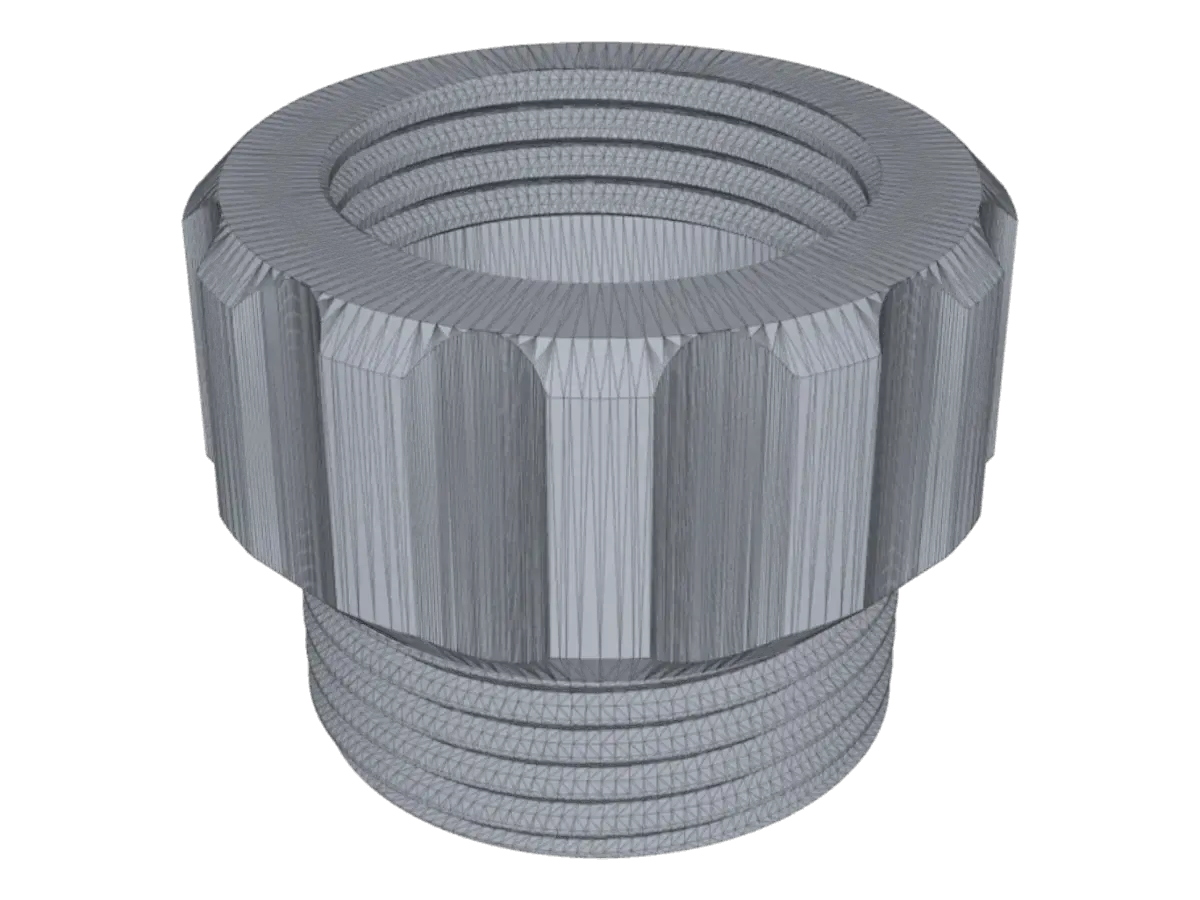
CAD part
Threaded garden tap adaptor
97,422triangles53,391faces
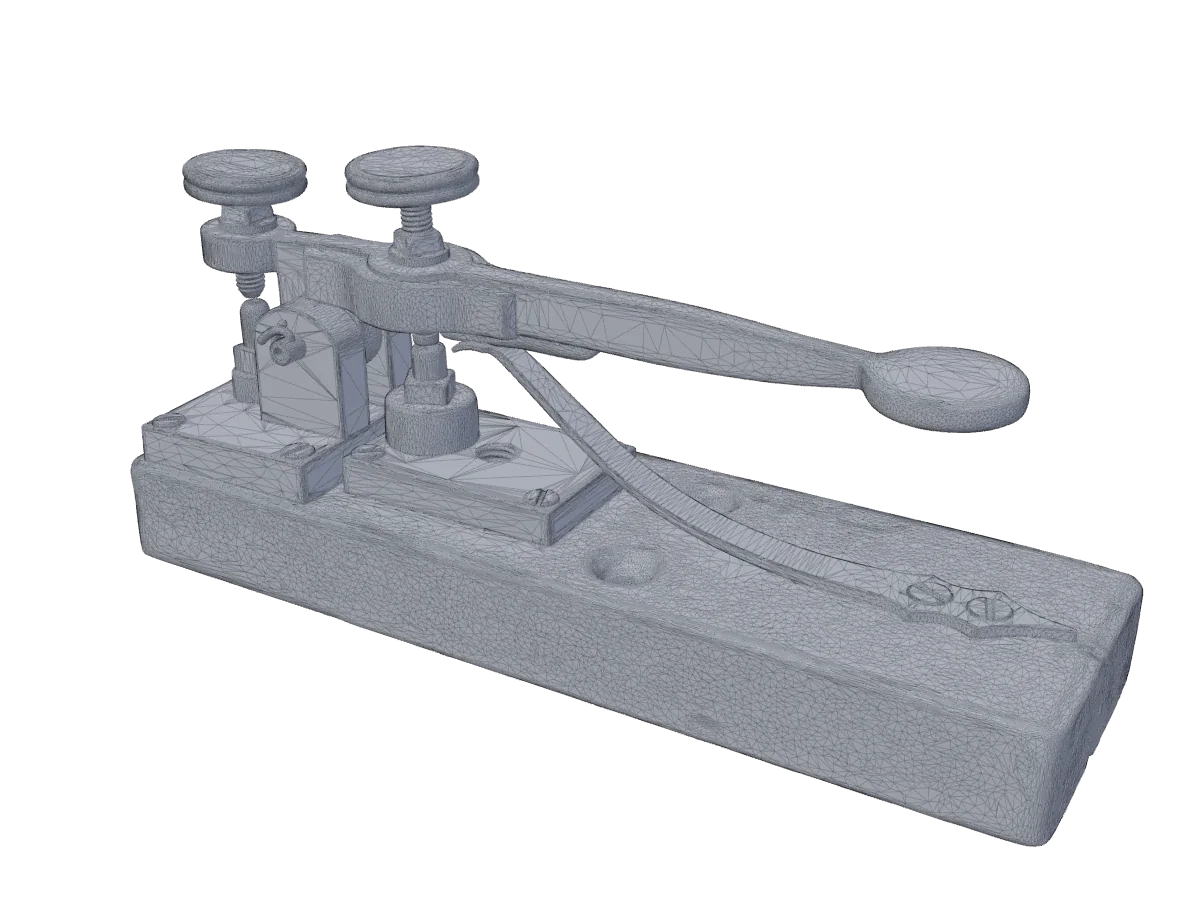
Closed part
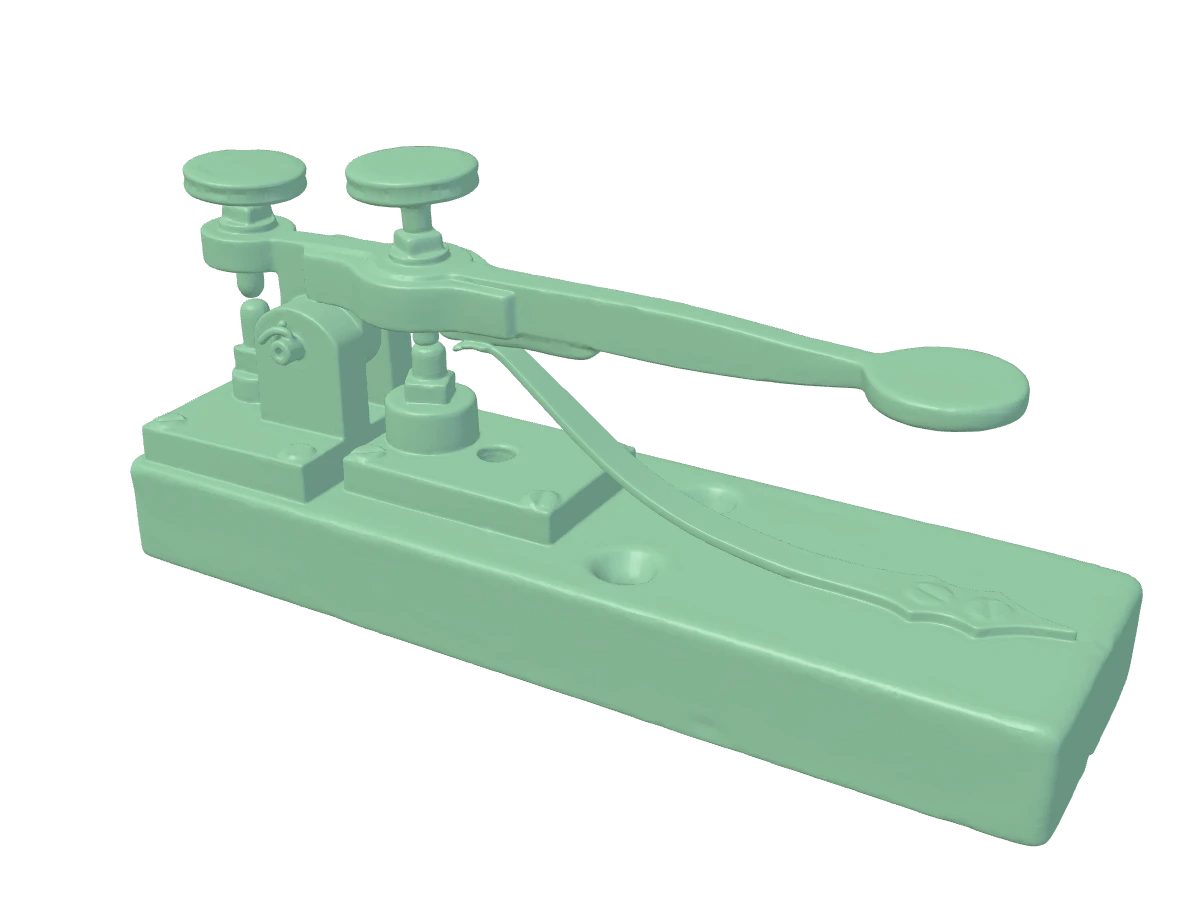
Morse‑Vail telegraph key
150,000triangles24,282resolution
CAD part
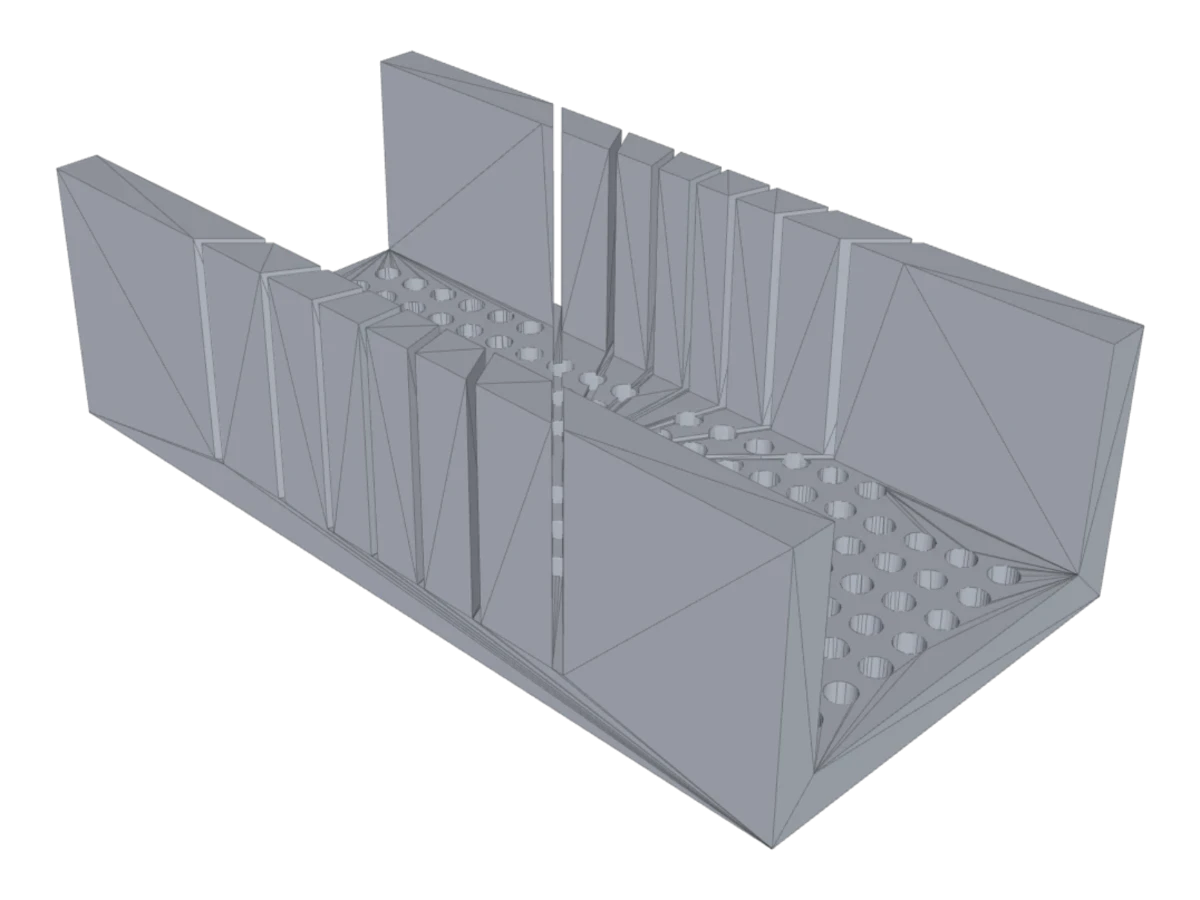
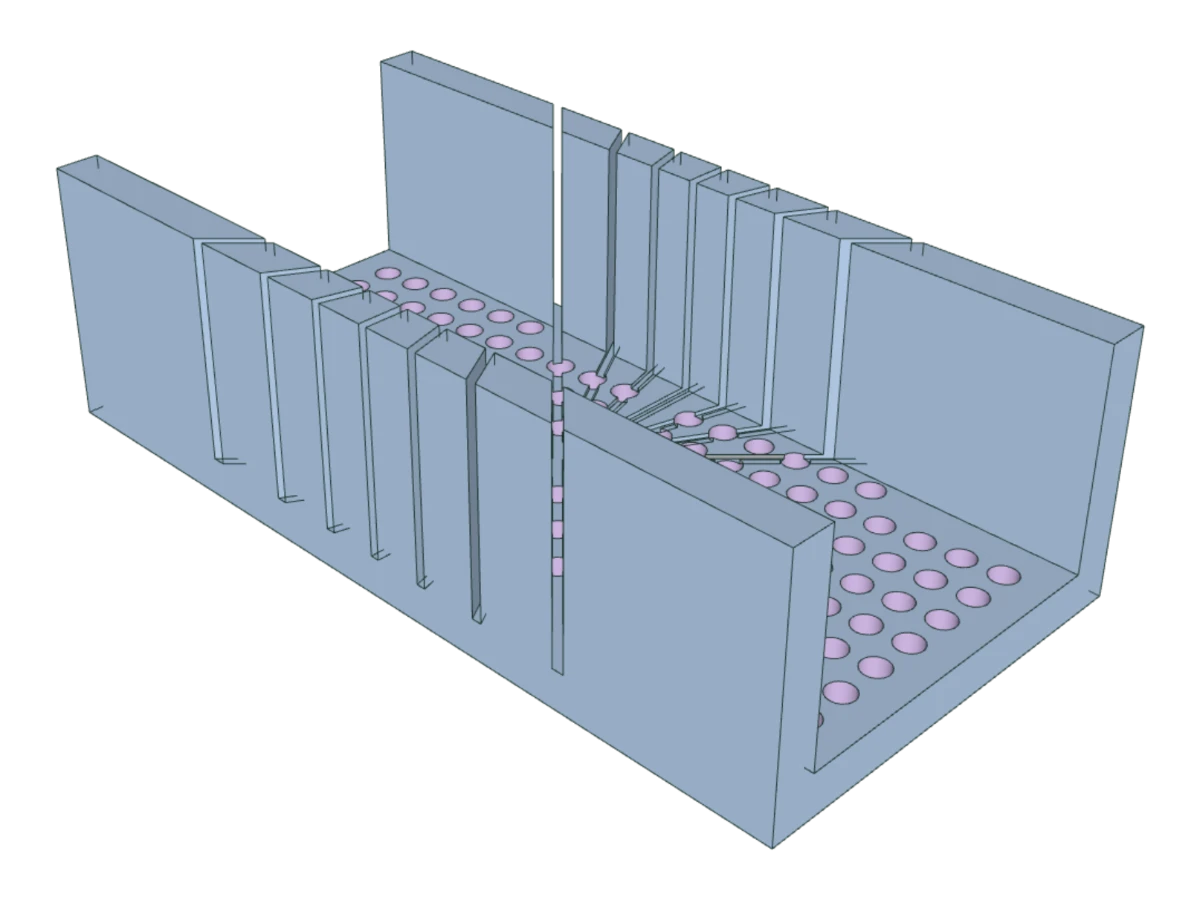
A miter box
20,258triangles307exact faces
Closed part
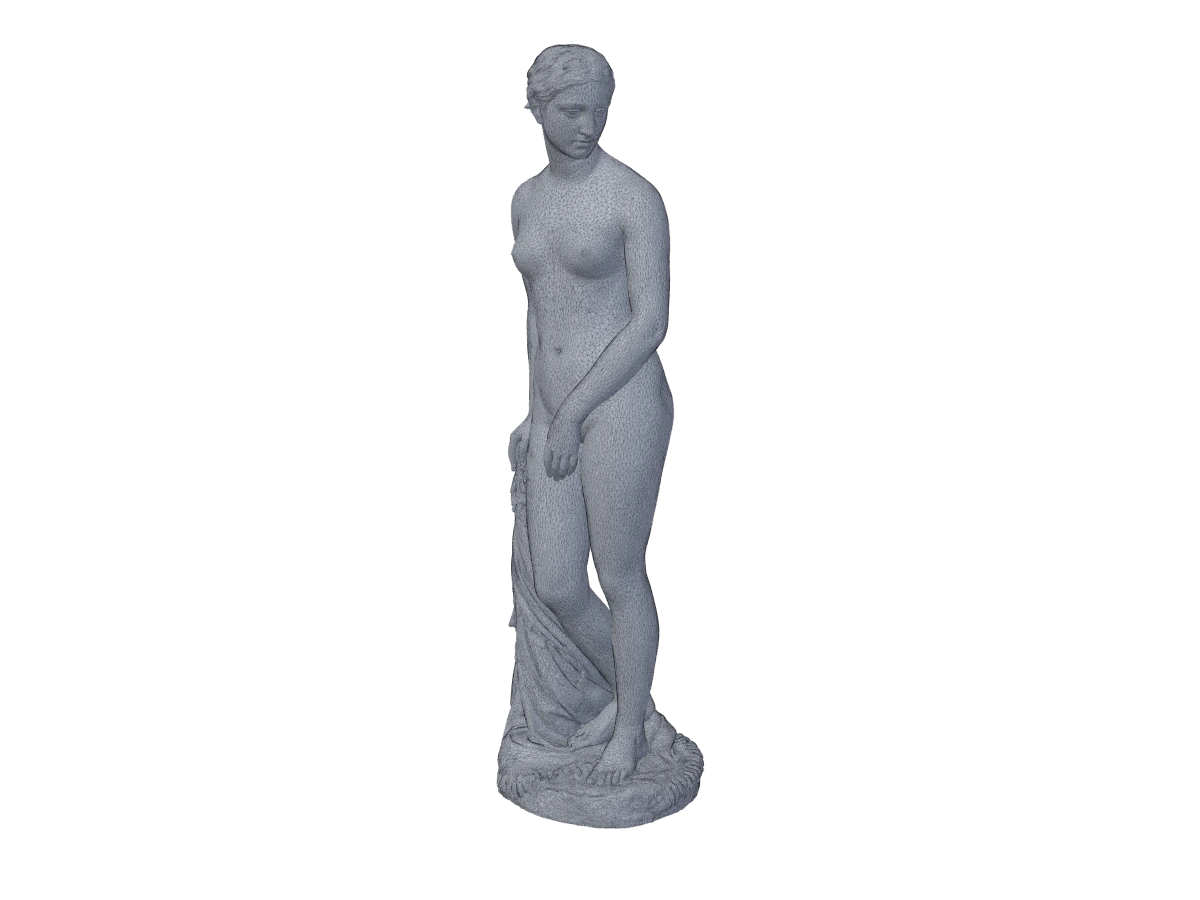
“The Greek Slave” sculpture
149,753triangles9,174resolution
CAD part
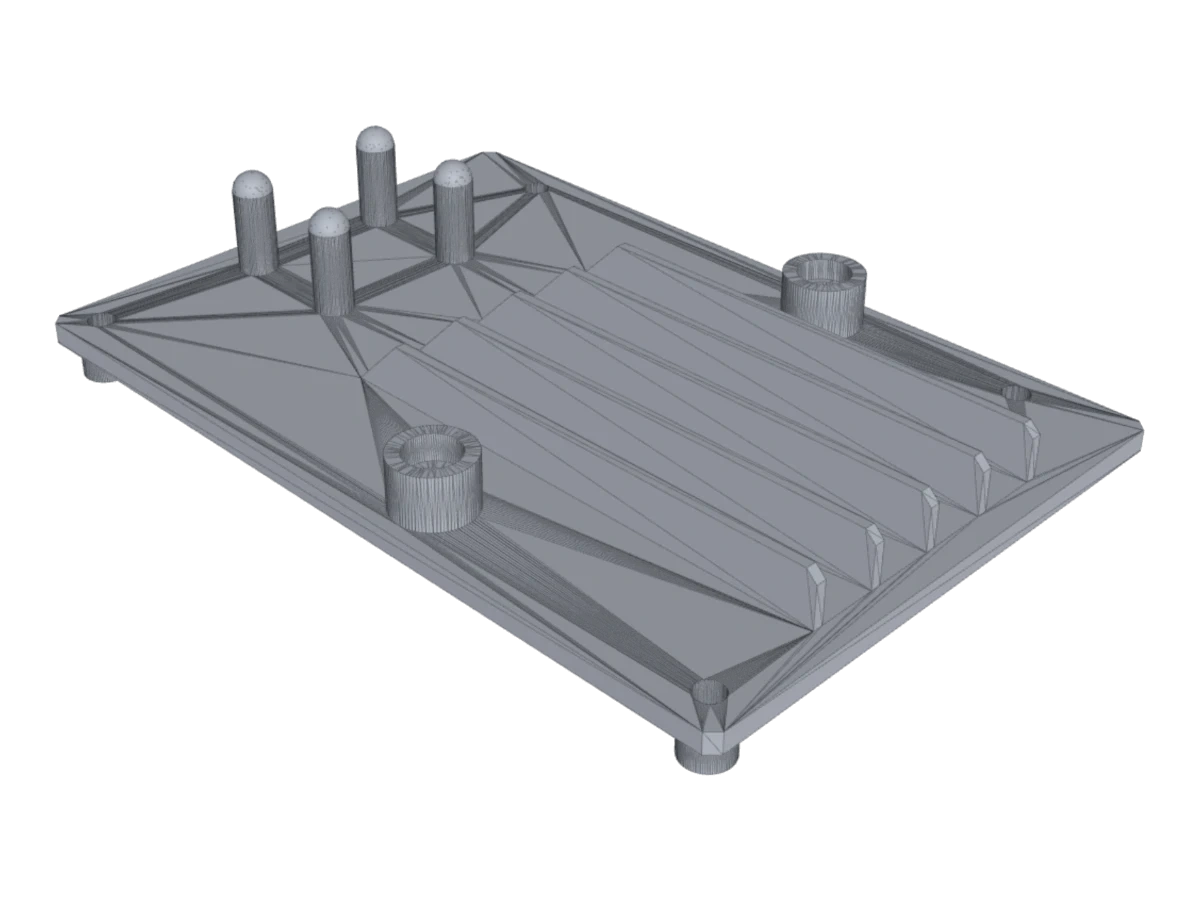
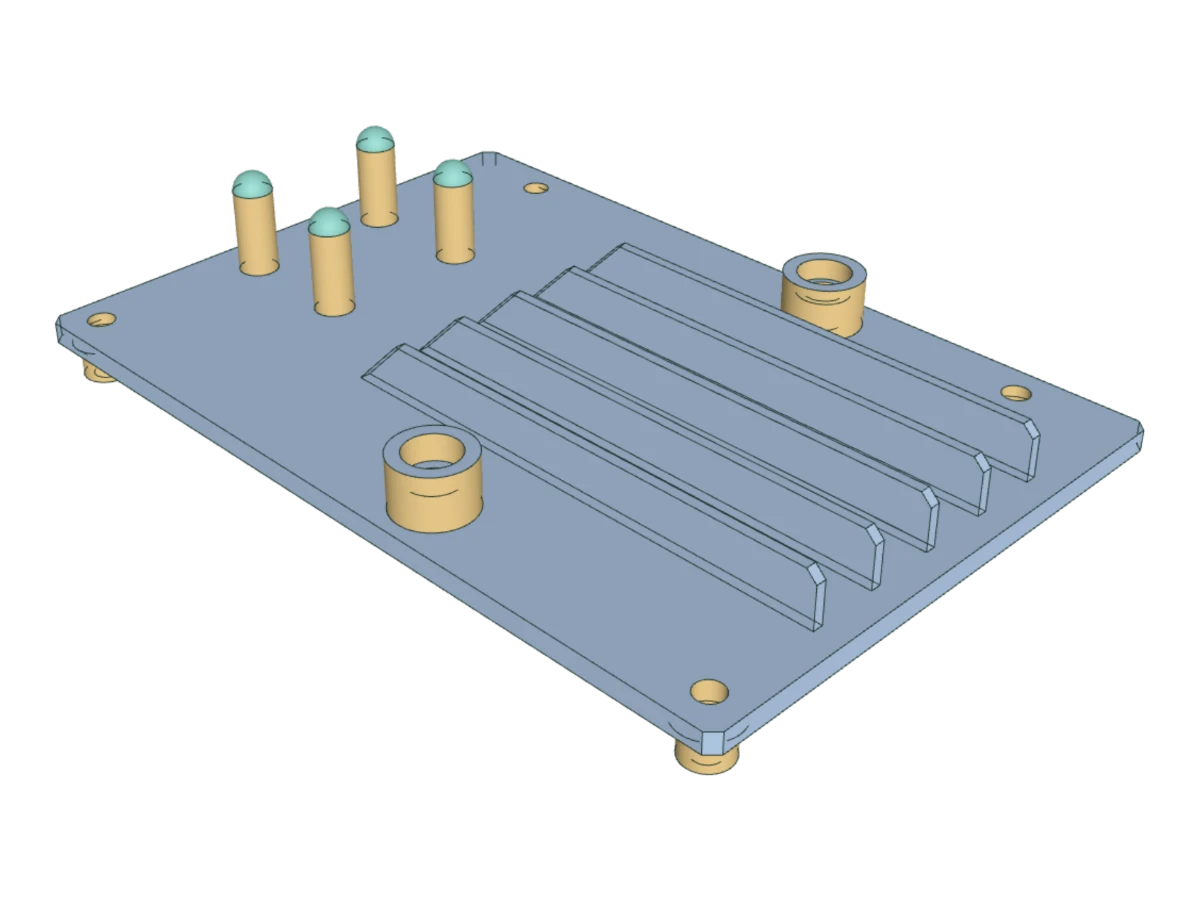
Heat sink plate
29,144triangles89exact faces
And more
Everything it has
Close cracks and holes
See how many there are and close them with one click to get a solid. It also removes loose pieces left by a scan.
Files in inches
If your file comes in inches, switch it with one click and the part comes out in millimeters at its real size.
Align to the planes
Rests the part on its largest flat face and turns the long side across, without deforming it.
Smooth out spikes and noise
Removes stray spikes and scanner grain. Deviation is measured against your original file.
Deviation map
Colors where the STEP departs from your file, with the maximum and the average in millimeters.
Zebra stripes
If they run straight and unbroken, the surface is smooth. You see it before you download.
Section and measuring
Cut the part with a plane and measure distances, angles, radii and thicknesses on it.
Pick it up another day
A part you leave half-done is kept for 7 days in My files, so you can resume without uploading it again.
Your files
Your part is yours.
They are used only for your conversion and shared with no one. The file you upload is kept for 7 days so you can carry on with it, and a free STEP for 24 hours; after that they are no longer available on the site and are kept archived.
If you pay for a part, its STEP stays in My files for 7 days.
A faceted STEP and a smooth STEP
What you find when you open the file in your CAD.
| A faceted STEP | OperGo Surface | |
|---|---|---|
| A curved surface is | Many small flat faces, one per triangle | A smooth surface |
| A cylinder can be selected as | Not a cylinder: it is a strip of flat faces | One cylindrical face, on CAD parts |
| Number of faces | As many as the mesh has triangles | Far fewer: one per surface or exact face |
| Selecting a hole | You pick triangles one by one | You pick the hole, on CAD parts |
The result is not parametric: it has no feature tree or history.
No subscription
Viewing the result is always free. You pay only to download the STEP.
| Free€0Up to 3 downloads a day | Standard€4.99per file | High resolution€9.99per file | OperGo customersFreeUp to 20 parts a month | |
|---|---|---|---|---|
| Closed part | ||||
| Open surface | ||||
| Resolution | 600 | 601–3,600 | 3,601–9,000 | up to 9,000 |
| CAD partNot affected by resolution | — | €2.99 | — |
- Free€0Up to 3 downloads a day
- Closed part
- Open surface
- Resolution600
- CAD partNot affected by resolution—
- Standard€4.99per file
- Closed part
- Open surface
- Resolution601–3,600
- CAD partNot affected by resolution€2.99
- High resolution€9.99per file
- Closed part
- Open surface
- Resolution3,601–9,000
- CAD partNot affected by resolution—
- OperGo customersFreeUp to 20 parts a month
- Closed part
- Open surface
- Resolutionup to 9,000
- CAD partNot affected by resolution
Prices include VAT. No subscription. For OperGo customers, a conversion above 3,600 counts as two of their 20 parts a month.
Why not everything is free
Every file is processed on cloud servers. Turning a mesh into smooth surfaces takes dedicated computing time, and the higher the resolution, the more time and memory it needs: a high-resolution conversion can run for about ten minutes on a server with several gigabytes of memory.
The prices cover that cloud computing, not a software licence. The standard resolution is free so you can try the result in your own CAD, and the price only grows when the calculation does. If you are an OperGo customer, we include it for you.
Formats, units and files
The converter reads STL, OBJ, PLY, 3MF and AMF files and writes STEP. Files are read in millimeters. If yours is in inches, there is a switch for it: "Is your file in inches?".
Your files are used only for the conversion and are not shared. The file you upload is kept for 7 days so you can carry on with it, and a free STEP for 24 hours; after that they are no longer available on the site and are kept archived.
Before you start
Frequently asked
How do I convert an STL file to STEP?
Upload the STL, review the result and download the STEP. Pick a mode (the tool suggests one), look at the result over your mesh, and download when you are happy with it.
Can I convert an STL to a solid?
Yes. A closed mesh comes out as a solid in Closed part or CAD part mode. If the mesh does not close, Open surface gives you a surface instead.
Why does my CAD open an STL as a mesh?
Because an STL is only a list of triangles, with no surfaces and no units. Your CAD sees a mesh, not a solid. A STEP describes surfaces and solids, so the CAD treats it as a model. If a converted file still looks like flat strips, see why a STEP can be faceted.
What is the difference between STL and STEP?
An STL describes a shape with triangles; a STEP describes it with exact surfaces and solids. A STEP can hold a true cylinder or plane, while an STL only approximates them. The guide STL vs STEP puts the two side by side.
Is the STL to STEP converter free?
Partly. Viewing the result is free at every quality. Downloading a closed part or an open surface at resolution 600 (Normal quality) is free, up to 3 downloads a day. A closed part or open surface at a resolution from 601 to 3,600 costs €4.99 per file; from 3,601 to 9,000, €9.99. A CAD part costs €2.99 per file. OperGo customers get up to 20 parts a month included.
Will the STEP open in my CAD?
It is a standard STEP file, so it should open in a CAD that reads STEP. We have checked it by opening results in SolidWorks. If you work in SolidWorks or Fusion 360, there are guides for SolidWorks and Fusion 360.
How accurate is the result?
You see it before you download: the tool shows the maximum deviation from your mesh, for example 0.15 mm, and a map of where it departs. Accuracy depends on your mesh and the mode you choose.
Can I convert a 3D scan to STEP?
Yes, with a clean scan. A closed scan converts as Closed part and an open one as Open surface. A raw scan with leftover fixtures and large gaps needs cleaning first. The guide 3D scan to CAD covers noise and holes.
Can I convert OBJ, 3MF or PLY files?
Yes. STL, OBJ, PLY, 3MF and AMF files are all read and converted to STEP, in millimeters. There are pages for 3MF to STEP and OBJ to STEP.
What is a .stp file?
The same thing as a .step file. STP is the short extension for STEP, the standard format for exchanging CAD models.
How long are my files kept?
The file you upload is kept for 7 days so you can carry on with it when you come back, and a free STEP for 24 hours; after that they are no longer available on the site and are kept archived. A part you pay for stays 7 days in My files.
Can you also manufacture the part?
Yes. OperGo is custom manufacturing with in-house engineers. Once you have your STEP you can ask for a quote to make the part. Can you CNC machine an STL file? explains what a shop needs.
Guides
Faceted vs smooth STEP
Faceted vs smooth STEP: a faceted STEP has one flat face per triangle. Check your file in a minute and learn how to get smooth surfaces instead.
STL vs STEP
STL vs STEP: an STL is a list of triangles that describes only the surface shape; a STEP holds exact surfaces and solids a CAD can measure and edit.
STL to solid in Fusion 360
Fusion 360 mesh to solid: convert an STL with Convert Mesh, pick the right method, and fix the usual failures (surface body, compute failed).
STL to solid in SolidWorks
STL to SolidWorks: open an STL as a solid body, use Surface From Mesh or ScanTo3D. What each gives you, where it stops, and how to fix the usual problems.
3D scan to CAD
3D scan to CAD in plain terms: what a scanner gives you, which mode fits your scan, how to prepare it, and how to check the STEP you get.
Other formats and uses
3MF to STEP
Convert 3MF to STEP online. Upload your 3MF file, check the result in 3D against your mesh, and download a STEP your CAD can open.
OBJ to STEP
Convert OBJ to STEP online. Upload your OBJ file, check the result in 3D against your mesh, and download a STEP your CAD can open.
Can you CNC an STL file?
Can you CNC an STL file? Sometimes, but an STL is only triangles. What machining needs, how to turn an STL into a STEP, and what to send for a quote.
Viewing is free