
OperGo Surface · File format
Convert 3MF to STEP
To convert 3MF to STEP, upload the file and OperGo Surface turns the mesh inside it into a STEP solid with smooth surfaces. You see the result in 3D, next to your mesh, before you download anything.
STL, OBJ, PLY, 3MF or AMF · in millimeters
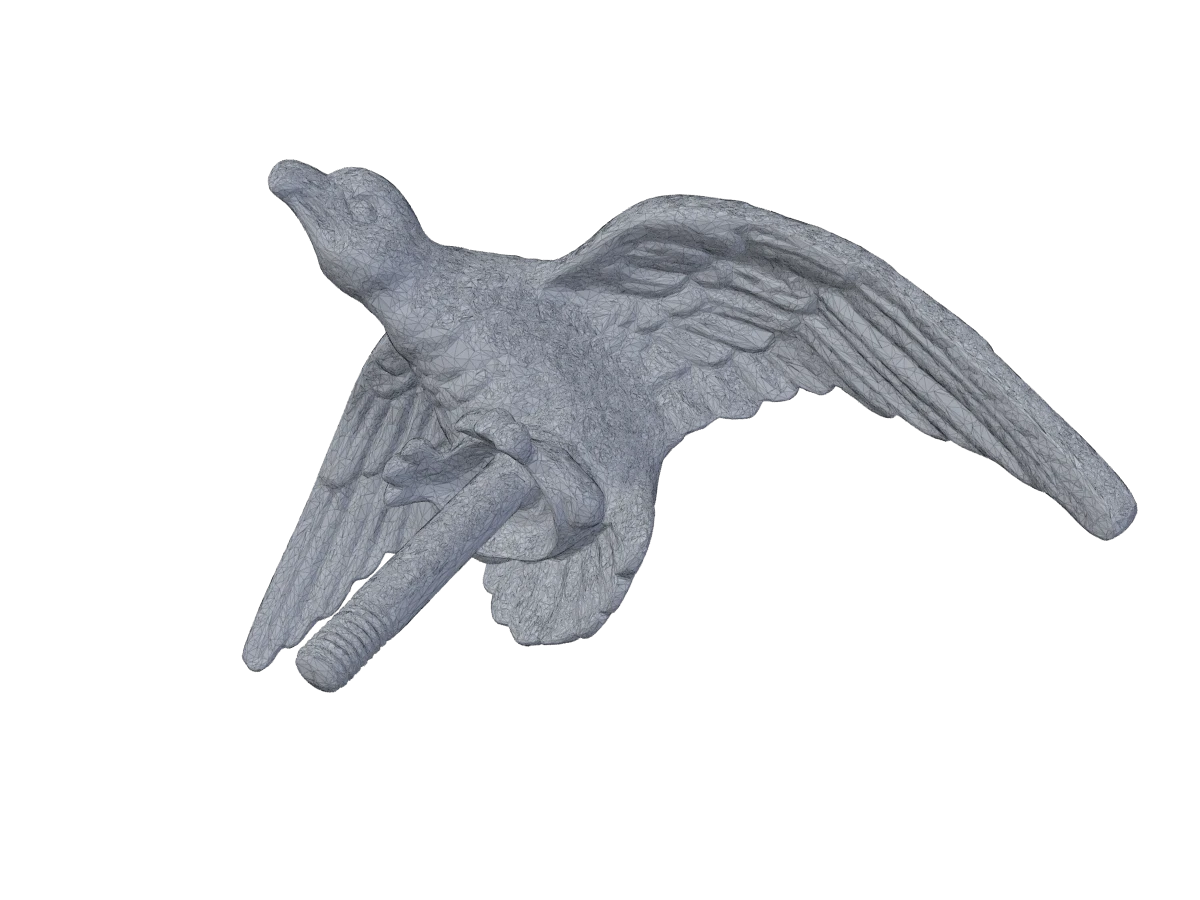 Before
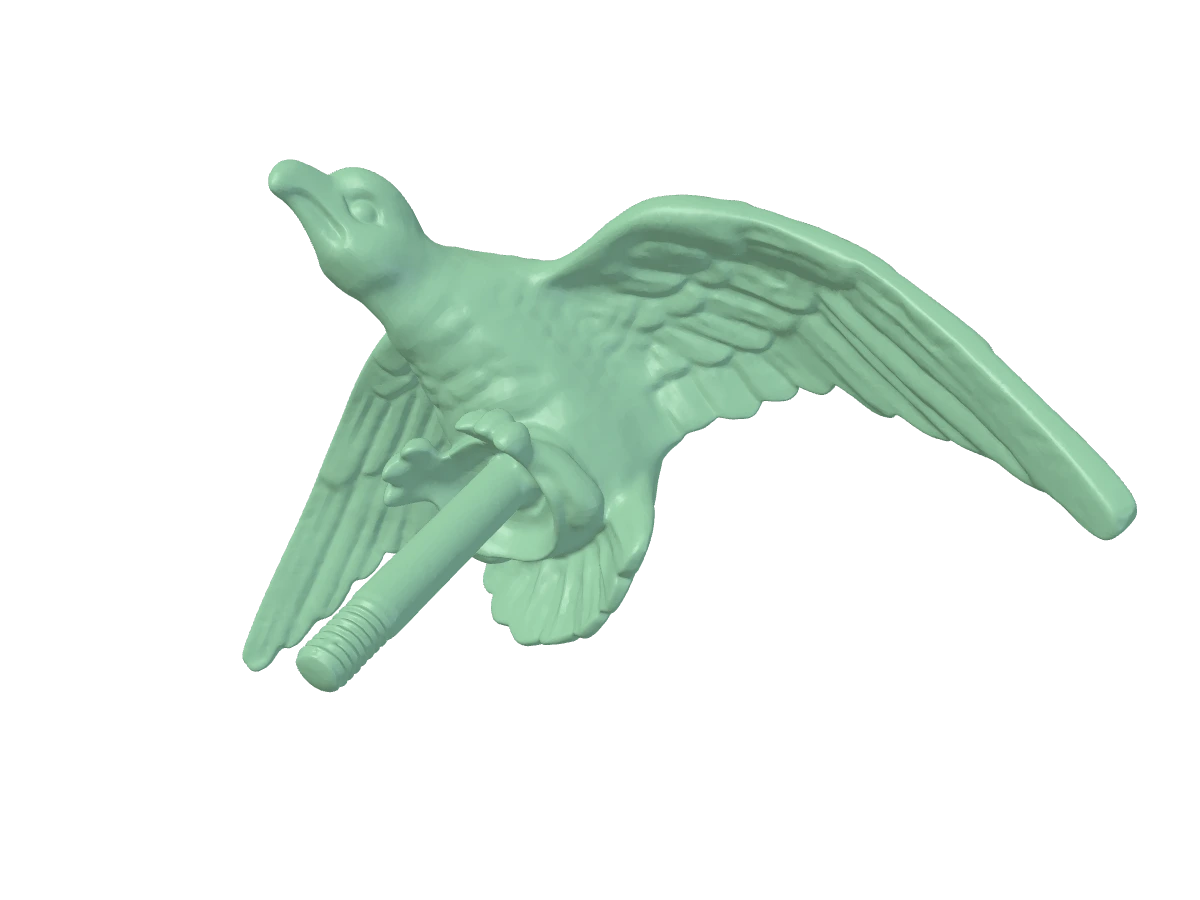 After
What a 3MF file is
3MF is a file format for 3D printing. It packs a mesh of triangles into one file, together with print information, and it can hold several objects. Slicers and many CAD programs export it.
A mesh has no planes, cylinders or holes your CAD can select, so you cannot dimension it, add a fillet or send it to a machine shop as a model. A STEP file describes surfaces and solids, which is what a CAD program works with (STL vs STEP explains the difference; it is the same for 3MF).
Convert a 3MF file to STEP in three steps
Upload your file
Choose your 3MF file or drop it on the page. The tool shows you the part; check that its size is right.
Choose the mode
Closed part, Open surface or CAD part. The tool proposes one based on your file, and you can switch and compare: viewing the result is free at every quality.
Check and download your STEP
You see the maximum deviation from your mesh before you download. A Closed part or an Open surface at Normal quality (resolution 600) downloads free, with a daily limit.
Which mode for your 3MF
| Your part | Mode | What comes out |
|---|---|---|
| Drawn in CAD and exported for printing: a bracket, a housing, a plate | CAD part | Exact planes, cylinders and holes your CAD can edit |
| A closed free-form shape: a figurine, a knob, a sculpted cover | Closed part | A solid of smooth surfaces, not one flat face per triangle |
| A shape that does not close | Open surface | A surface; holes are not filled |
What stays out of the STEP
A STEP carries geometry. Print settings such as layer height or supports, and colors, are not geometry, so they do not go into the STEP. It is also not a parametric model: there is no feature tree or history.
Units and size
The result is in millimeters. Check the size of the part when it appears: if it is 25.4 times too small or too large, the switch "Is your file in inches?" puts it right before you convert.
A real conversion
A free-form knob, converted as a Closed part. The figures come from the real conversion.
A free-form knob
Closed part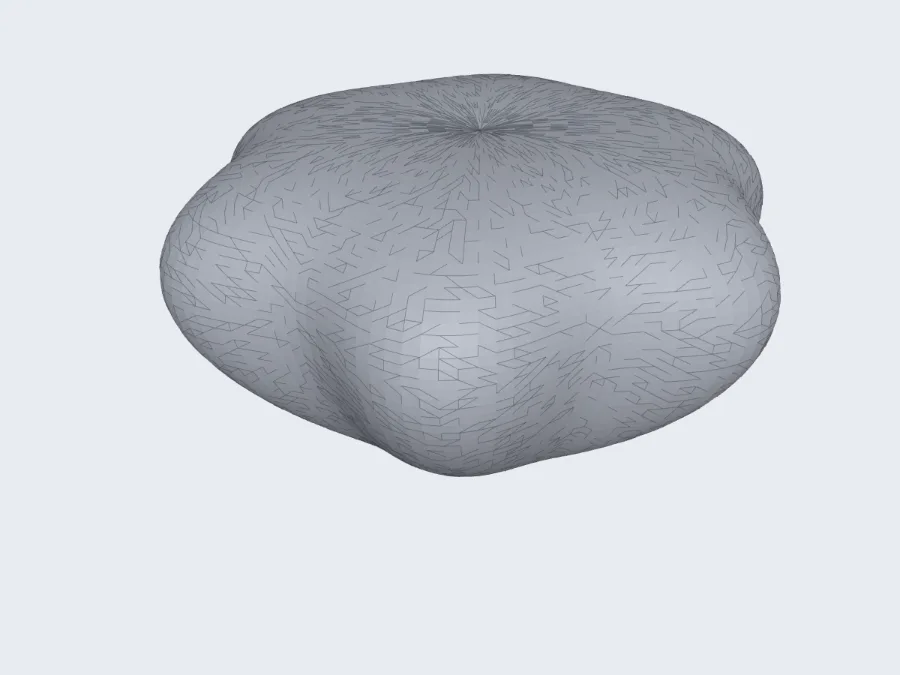
Before 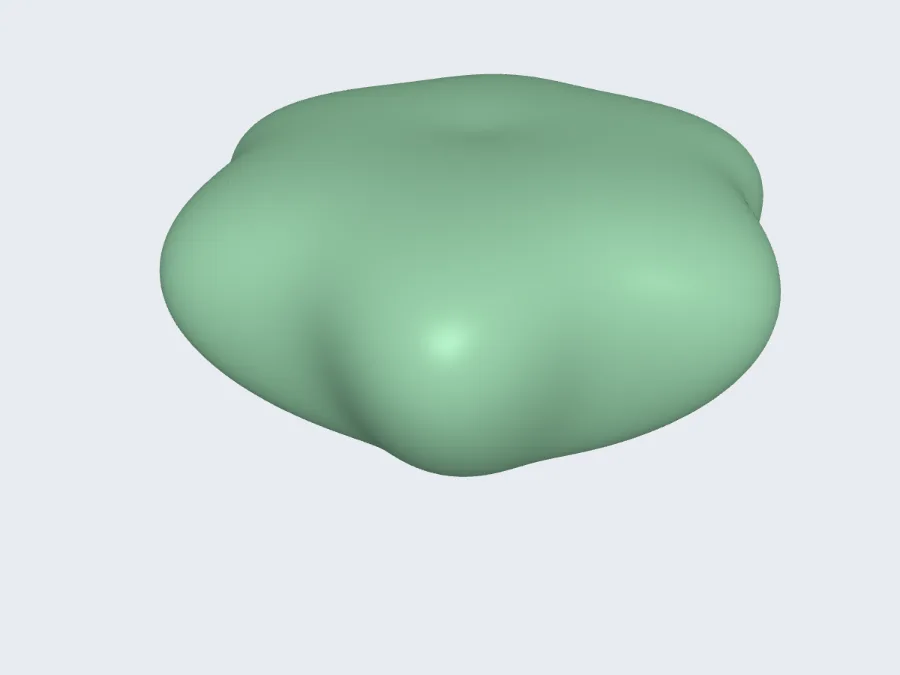
After 16,128 triangles → resolution 642 · maximum deviation 0.15 mm
Questions about 3MF to STEP
What is the difference between 3MF to STEP and 3MF to STP?
None. STP and STEP are two extensions of the same format, so a 3MF to STP conversion gives you the same file.
Can I convert a 3MF file to a solid?
Yes, when the part is closed. Choose Closed part, or CAD part if it was drawn in CAD software, and you get a solid. If the mesh does not close, Open surface gives you a surface and does not fill the holes.
Will the STEP keep my print settings or colors?
No. The STEP holds the shape of the part, not how it was set up for printing or how it was colored.
Is converting 3MF to STEP free?
Viewing the result is free at every quality. A Closed part or an Open surface at Normal quality, resolution 600, downloads free with a daily limit. A CAD part and higher resolutions are paid.
Related guides
Convert STL to STEP
Convert STL to STEP online. Smooth surfaces, and exact planes and cylinders on CAD parts, not one flat face per triangle. Check the result before downloading.
OBJ to STEP
Convert OBJ to STEP online. Upload your OBJ file, check the result in 3D against your mesh, and download a STEP your CAD can open.
STL vs STEP
STL vs STEP: an STL is a list of triangles that describes only the surface shape; a STEP holds exact surfaces and solids a CAD can measure and edit.
Faceted vs smooth STEP
Faceted vs smooth STEP: a faceted STEP has one flat face per triangle. Check your file in a minute and learn how to get smooth surfaces instead.
Can you CNC an STL file?
Can you CNC an STL file? Sometimes, but an STL is only triangles. What machining needs, how to turn an STL into a STEP, and what to send for a quote.
Try your 3MF file
Viewing the result is free at every quality. Check it against your mesh before you decide to download.