
OperGo Surface · File format
Convert OBJ to STEP
To convert OBJ to STEP, upload the file and OperGo Surface turns the mesh into a STEP solid with smooth surfaces. You see the result in 3D, next to your mesh, before you download.
STL, OBJ, PLY, 3MF or AMF · in millimeters
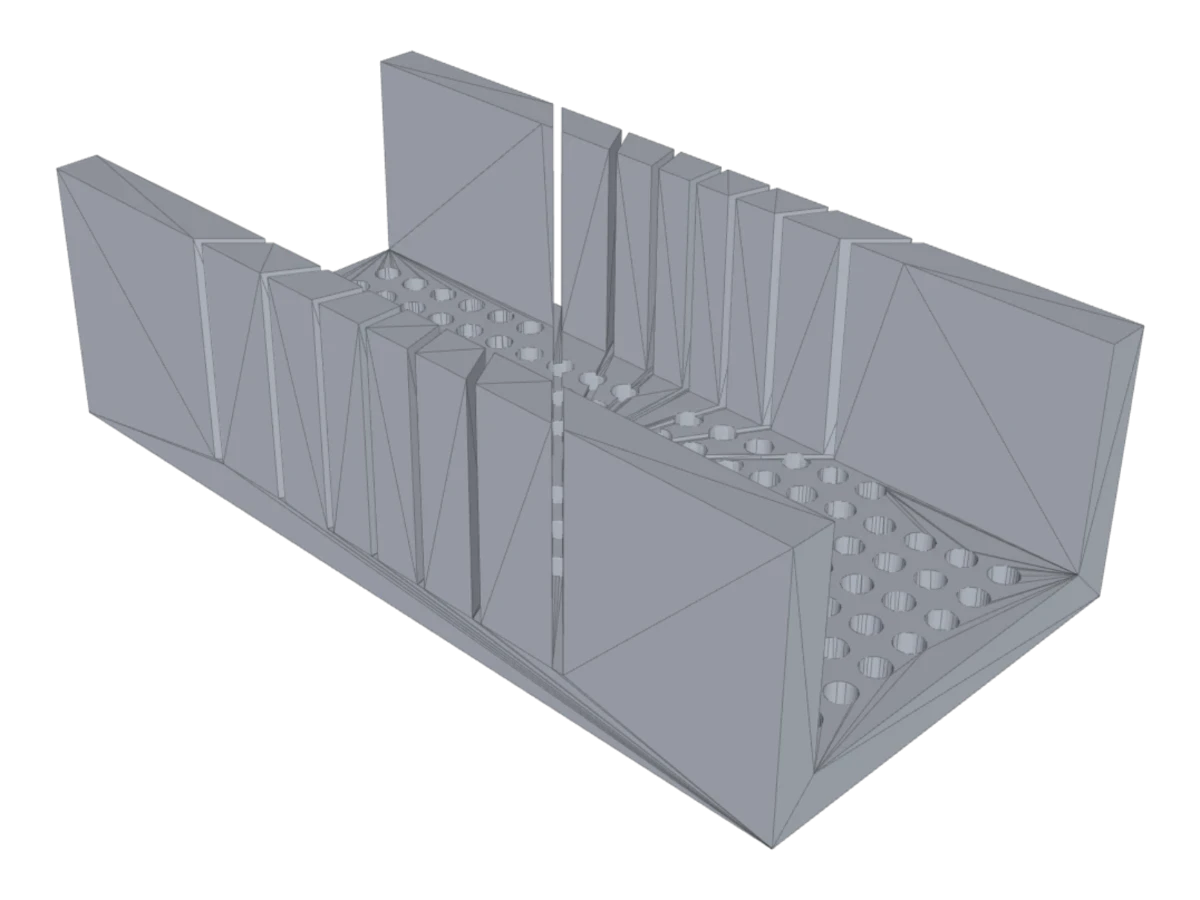 Before
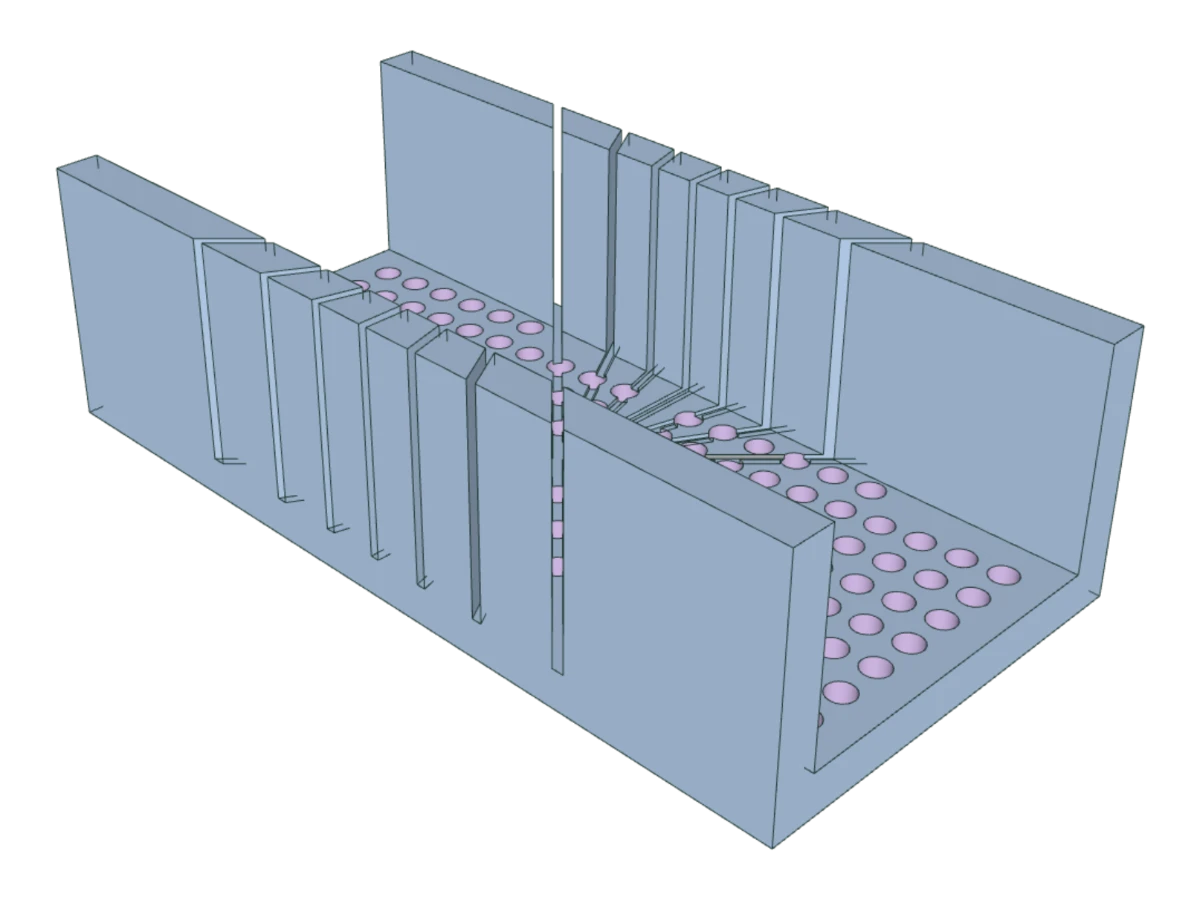 After
What an OBJ file is
OBJ is a plain text format for 3D models. It lists points and the polygons that join them, and the polygons are not always triangles. Colors and materials live in a separate .mtl file, with the textures next to it. Scanners, photogrammetry and 3D modeling programs often export OBJ.
An OBJ does not declare its units. That is why OperGo Surface reads the file in millimeters, and why there is a switch for files in inches.
Before you upload
- Upload only the .objMaterials and textures do not go into the STEP, so the .mtl file and the images are not needed.
- Know the unitsIf the model was made in inches, you will turn on "Is your file in inches?" before converting. If you do not know, check the size of the part when it appears.
- Clean a raw scan firstIf the OBJ comes from a scanner or from photos, remove the table or fixture around the part. 3D scan to CAD covers holes and noise.
Convert an OBJ file to STEP in three steps
Upload your file
Choose your OBJ file or drop it on the page. The tool shows you the part.
Check the units and choose the mode
Closed part for a closed shape, Open surface for one that does not close, CAD part for a model drawn in CAD software. The tool proposes one; viewing the result is free, so you can compare.
Check and download your STEP
You see the maximum deviation from your mesh before you download. A Closed part or an Open surface at Normal quality (resolution 600) downloads free, with a daily limit.
What comes out of an OBJ to STEP conversion
A STEP file with the shape of your mesh. A closed shape becomes a solid with smooth surfaces, not one flat face per triangle. A surface that does not close stays a surface. A model drawn in CAD software comes out with exact faces for its planes and cylinders.
The STEP is not parametric: it has no feature tree or history, but it opens in any CAD program that reads STEP.
A real conversion
A miter box, converted as a CAD part. The figures come from the real conversion.
A miter box
CAD part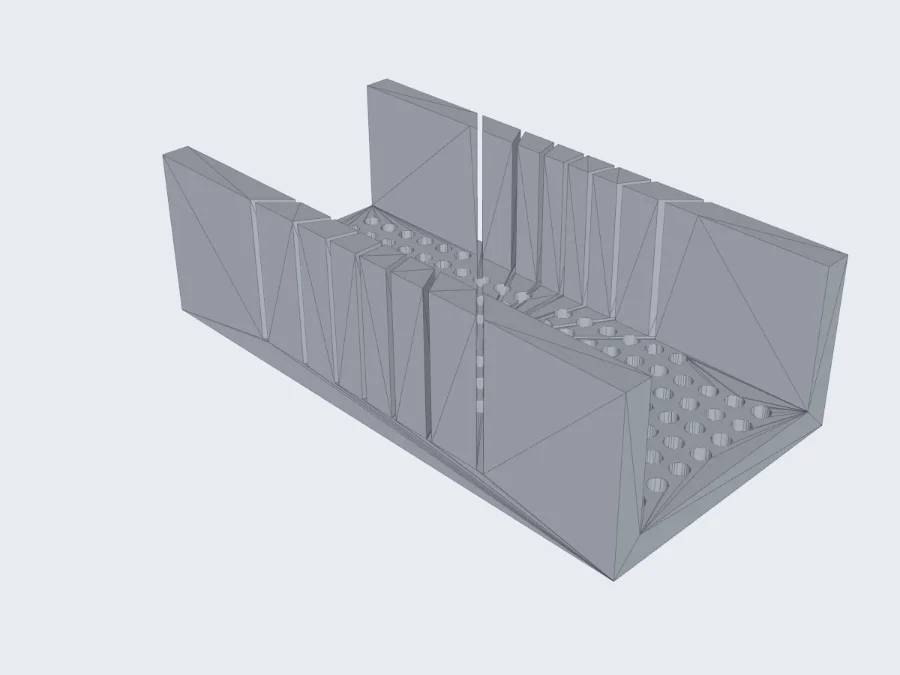
Before 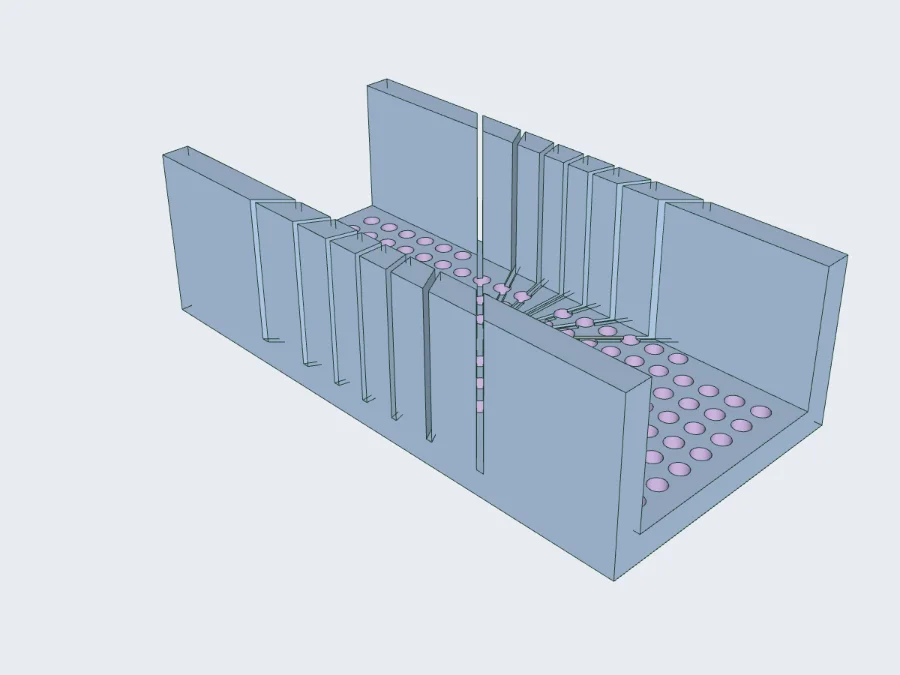
After 20,258 triangles → 307 exact faces · 99.9% exact shape
Model by caesar_1111 · CC BY
Questions about OBJ to STEP
Is OBJ to STP the same as OBJ to STEP?
Yes. STP and STEP are two extensions of the same format, so you get the same file.
Can I convert an OBJ file to a solid?
Yes, when the part is closed. Choose Closed part, or CAD part for a model drawn in CAD, and you get a solid. If the mesh is open, Open surface gives you a surface and does not fill the holes.
What happens to the texture of my OBJ?
It stays out. The STEP holds the shape of the part, not its colors or materials.
Is converting OBJ to STEP free?
Viewing the result is free at every quality. A Closed part or an Open surface at Normal quality, resolution 600, downloads free with a daily limit. A CAD part and higher resolutions are paid.
Related guides
Convert STL to STEP
Convert STL to STEP online. Smooth surfaces, and exact planes and cylinders on CAD parts, not one flat face per triangle. Check the result before downloading.
3MF to STEP
Convert 3MF to STEP online. Upload your 3MF file, check the result in 3D against your mesh, and download a STEP your CAD can open.
STL vs STEP
STL vs STEP: an STL is a list of triangles that describes only the surface shape; a STEP holds exact surfaces and solids a CAD can measure and edit.
Faceted vs smooth STEP
Faceted vs smooth STEP: a faceted STEP has one flat face per triangle. Check your file in a minute and learn how to get smooth surfaces instead.
3D scan to CAD
3D scan to CAD in plain terms: what a scanner gives you, which mode fits your scan, how to prepare it, and how to check the STEP you get.
Try your OBJ file
Viewing the result is free at every quality. Check it against your mesh before you decide to download.