
Guide
Faceted vs smooth STEP: why your STEP file is faceted
A faceted STEP is a solid made of one flat face for every triangle of the original mesh, while a smooth STEP has curved surfaces that follow the shape. Your STEP is faceted because the conversion kept each triangle as a face: to get smooth surfaces, convert the mesh again with a tool that builds them.
STL, OBJ, PLY, 3MF or AMF · in millimeters
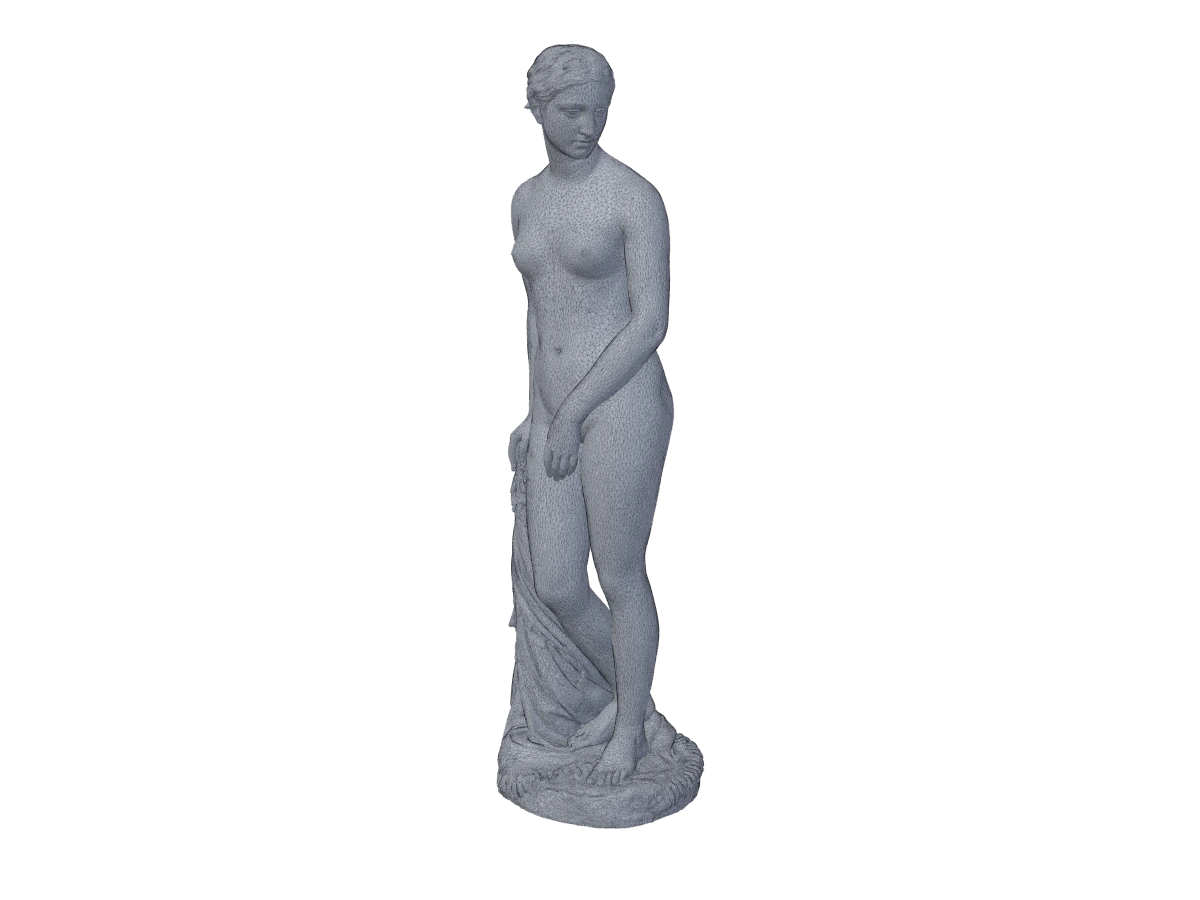 Before
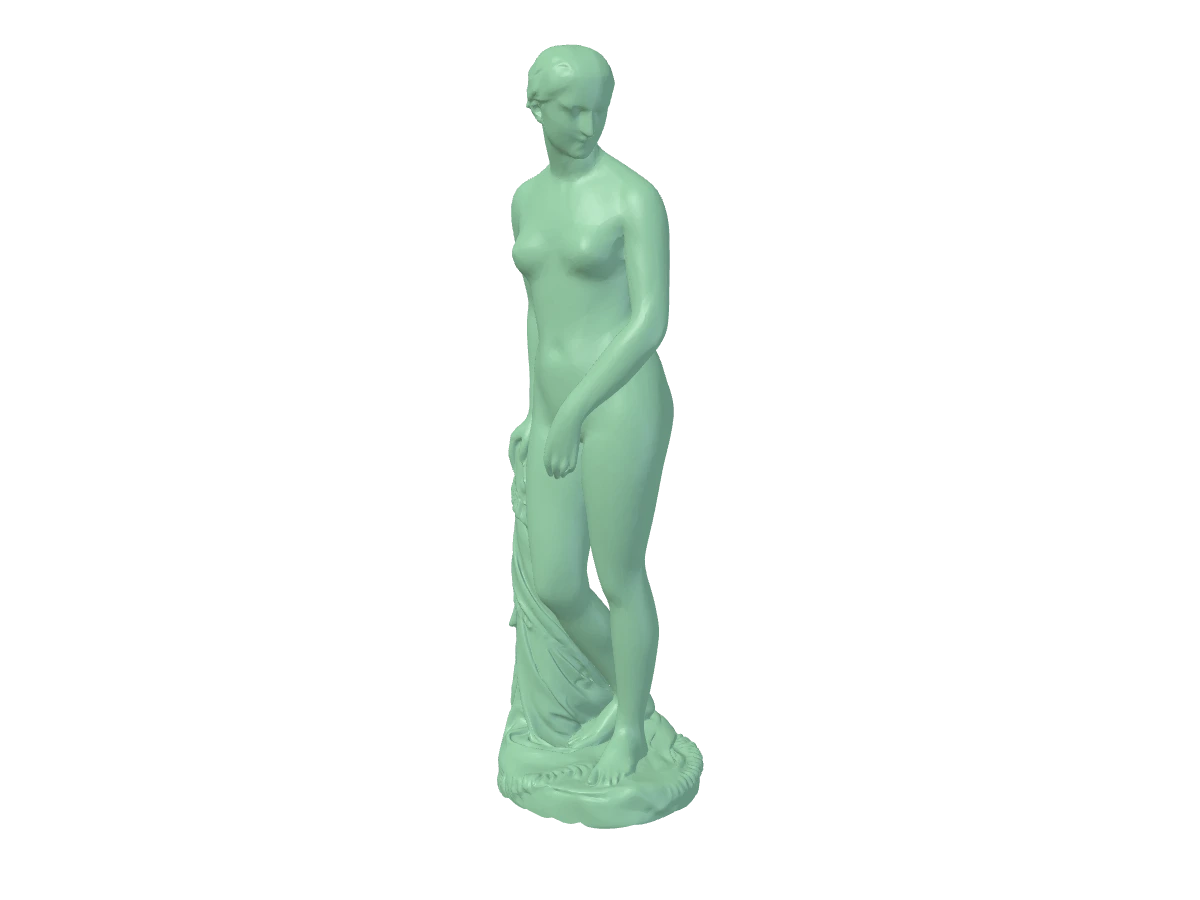 After
Is your STEP faceted? Four checks in your CAD
Open the STEP in your CAD and run these checks. One clear failure is enough to know.
- Click a curved wallSmooth: the whole wall highlights as one face. Faceted: you select a thin flat strip, and there are hundreds next to it.
- Look at the face countSmooth: a short list of faces, close to the number of features you see. Faceted: thousands of faces, about as many as the mesh had triangles.
- Measure a holeWith exact faces the CAD reports a diameter. On a faceted solid there is no cylinder to measure, only flat strips around the hole.
- Show the face edgesA faceted solid shows a line along every triangle edge, so curved areas look like a net of triangles. A smooth solid shows edges only where faces really meet.
Why a STEP comes out faceted
A mesh has no curves, only triangles (see STL vs STEP). The simplest conversion writes each triangle as a flat face inside a closed shell. It is quick, it always matches the mesh, and the file is valid, which is why many online converters and the direct import commands of CAD programs work this way.
Smooth surfaces need more: surfaces that follow many triangles at once. That is a different job from changing the file format.
Faceted STEP, smooth surfaces and CAD part
| Faceted STEP | Smooth surfaces | CAD part with exact faces | |
|---|---|---|---|
| A curved wall is | Many flat faces | A few curved faces | One cylinder or other exact face |
| A flat area is | Many flat faces, one per triangle | Smooth faces that follow the shape | One exact plane |
| Number of faces | As many as there were triangles | Far fewer than the triangles | Few: one per plane, cylinder or other exact face |
| Selecting a feature | You pick one small face at a time | You pick a whole surface | You pick the face the way the designer drew it |
| Suited to | Reference, measuring distances | Free-form shapes, scans | Parts that were drawn in CAD |
When a faceted STEP is enough
A faceted solid is fine as a reference: you can place it next to your own design, check fit, measure distances to it or cut a section through it.
It is not enough when you want to change the part, add fillets, offset surfaces, dimension a hole, or hand the file to someone who has to work on its faces.
How to get a smooth STEP instead
You cannot turn flat faces into curves inside the STEP. Go back to the mesh and convert it again.
Find the mesh
Use the original STL, OBJ, PLY, 3MF or AMF. If you only have the faceted STEP, export it from your CAD as STL: it holds the same triangles.
Choose the mode that fits the part
CAD part if it was drawn in CAD software, so planes, cylinders and holes come back as exact faces. Closed part for any other closed shape. Open surface if the mesh does not close.
Check the result before you download
In the STL to STEP converter you see the result over your mesh, with a map of where it departs and the maximum deviation. Viewing is free at every quality, so you can compare modes.
Run the four checks again
Open the new STEP in your CAD and repeat the checks above: one face per curved wall, a short face list, a diameter on the holes of a CAD part.
Real conversions, before and after
Two parts converted with OperGo Surface: a free-form knob as a Closed part and a miter box as a CAD part with exact faces.
A free-form knob
Closed part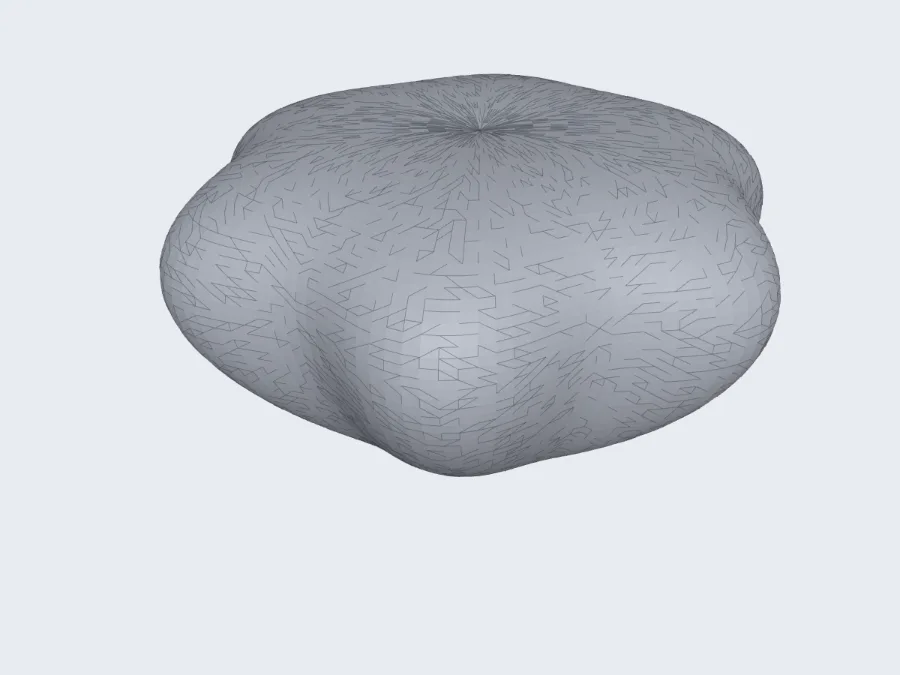
Before 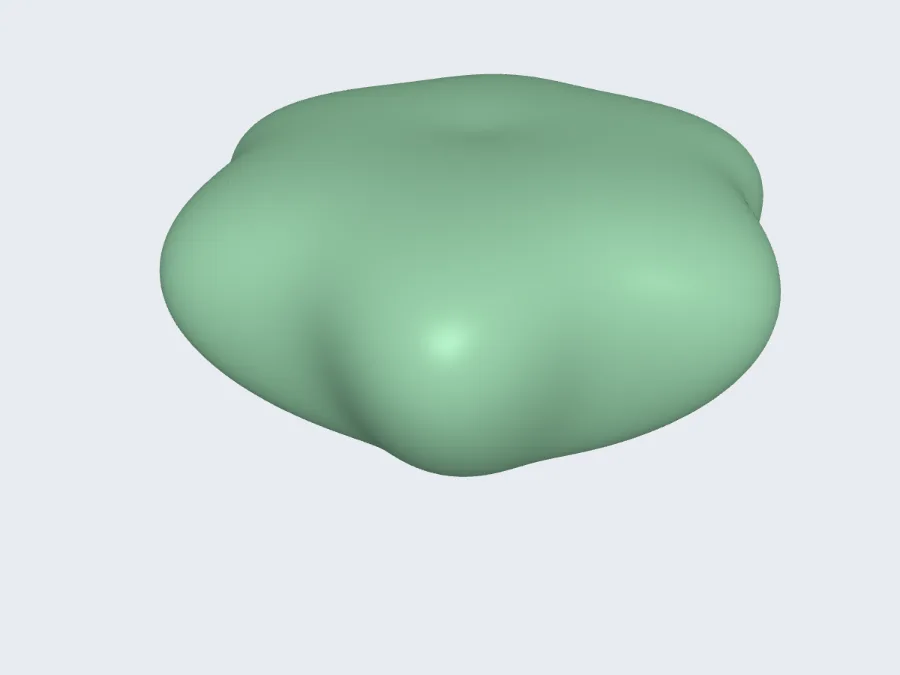
After 16,128 triangles → resolution 642 · maximum deviation 0.15 mm
A miter box
CAD part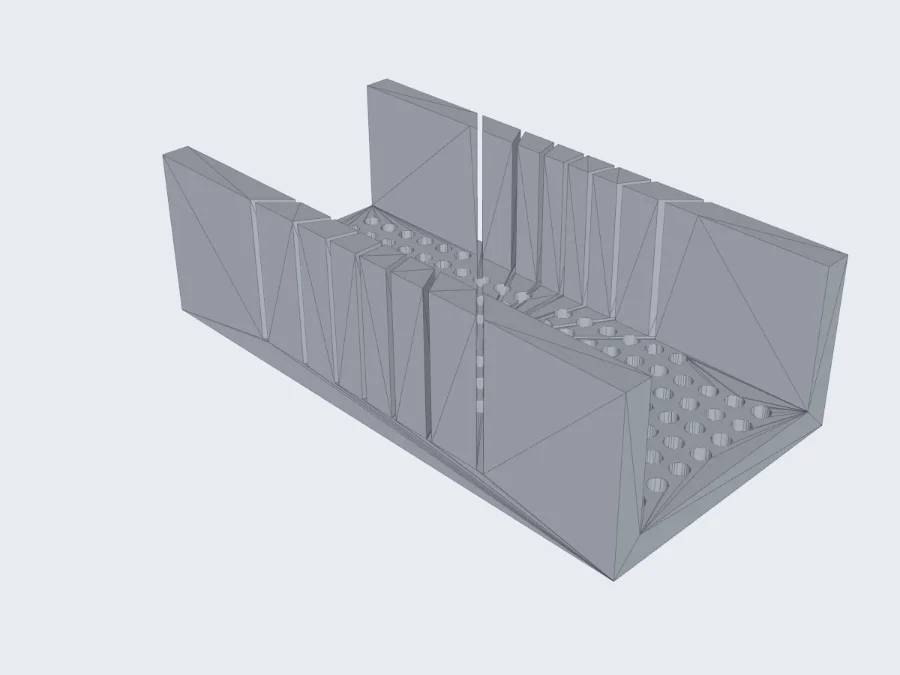
Before 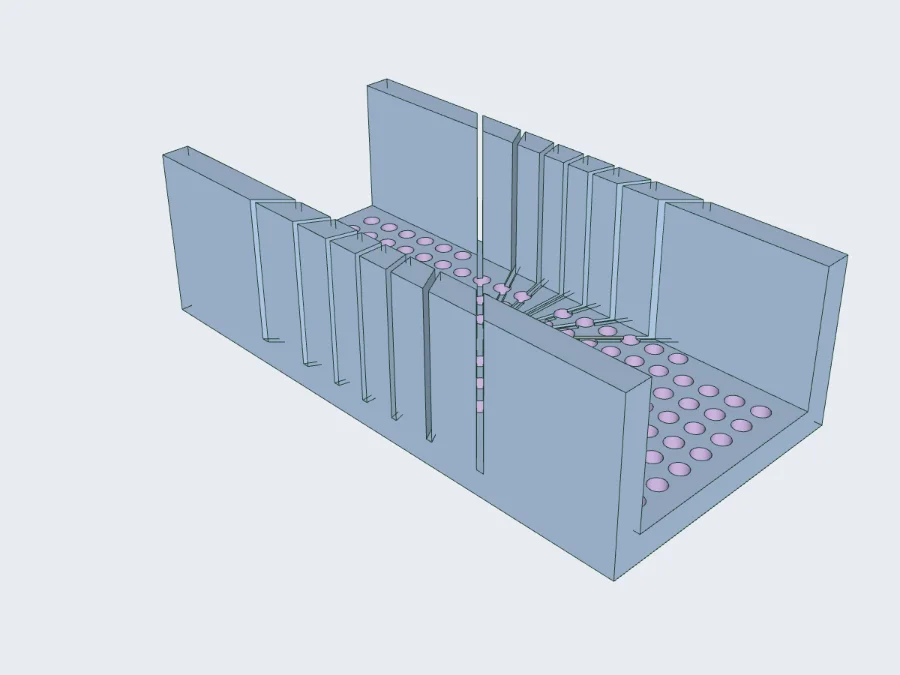
After 20,258 triangles → 307 exact faces · 99.9% exact shape
Model by caesar_1111 · CC BY
Questions about faceted STEP files
Is a faceted STEP wrong?
No. It is a valid STEP and it holds the shape. It is limited: measuring and referencing work, but editing curved areas is difficult.
Can I fix a faceted STEP in my CAD?
For a simple prismatic part you can redraw the faces by hand. For free-form shapes that is a lot of work, and it is usually quicker to convert the mesh again with a tool that builds smooth surfaces.
Why does my converter give me a faceted STEP?
Because writing one flat face per triangle is the simplest conversion, and many converters stop there. The file is a STEP, but the triangles are still inside.
Can I machine a faceted STEP?
It is a solid, so it can be loaded as one, but holes are not cylinders and curved areas are only as precise as the triangles were. For a part you will machine, exact faces or smooth surfaces are the safer starting point.
Why is my STEP file so large and slow?
A faceted STEP stores one face for every triangle, and a detailed mesh has tens of thousands of them. Your CAD has to work through each face when you rotate, select or rebuild, which is why it feels slow.
Keep reading
STL vs STEP
STL vs STEP: an STL is a list of triangles that describes only the surface shape; a STEP holds exact surfaces and solids a CAD can measure and edit.
STL to solid in SolidWorks
STL to SolidWorks: open an STL as a solid body, use Surface From Mesh or ScanTo3D. What each gives you, where it stops, and how to fix the usual problems.
STL to solid in Fusion 360
Fusion 360 mesh to solid: convert an STL with Convert Mesh, pick the right method, and fix the usual failures (surface body, compute failed).
Can you CNC an STL file?
Can you CNC an STL file? Sometimes, but an STL is only triangles. What machining needs, how to turn an STL into a STEP, and what to send for a quote.
Convert STL to STEP
Convert STL to STEP online. Smooth surfaces, and exact planes and cylinders on CAD parts, not one flat face per triangle. Check the result before downloading.
Want smooth surfaces instead of flat faces?
Upload your mesh, compare the result with it in 3D and download the STEP once you have checked it.