
Comparison
Alternatives to Geomagic Design X and QUICKSURFACE
Looking for alternatives to Geomagic Design X and QUICKSURFACE? This page puts mesh to CAD software side by side, from desktop reverse engineering programs to online converters, using only what each maker publishes. OperGo Surface runs in the browser with nothing to install: upload a part and see its STEP in 3D for free.
STL, OBJ, PLY, 3MF or AMF · viewing the result is free
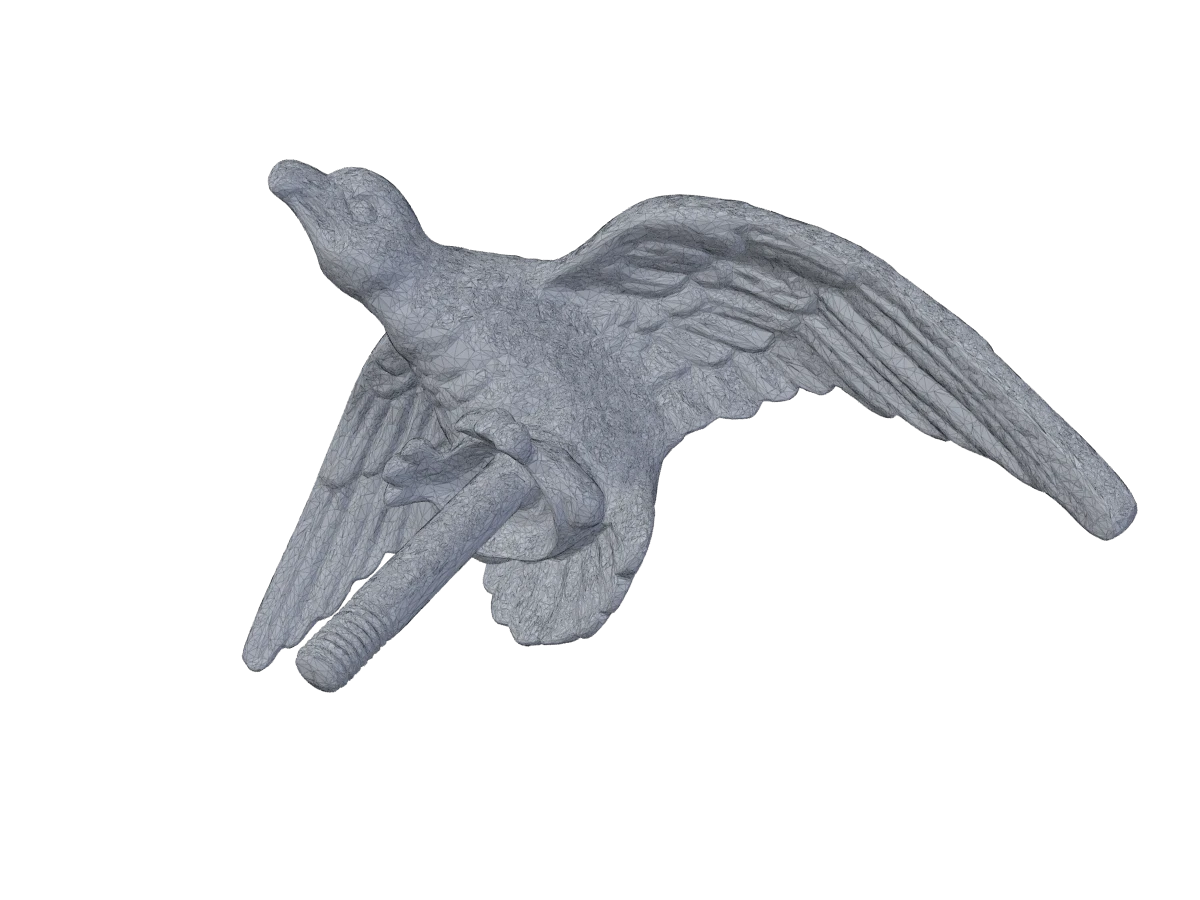 Before
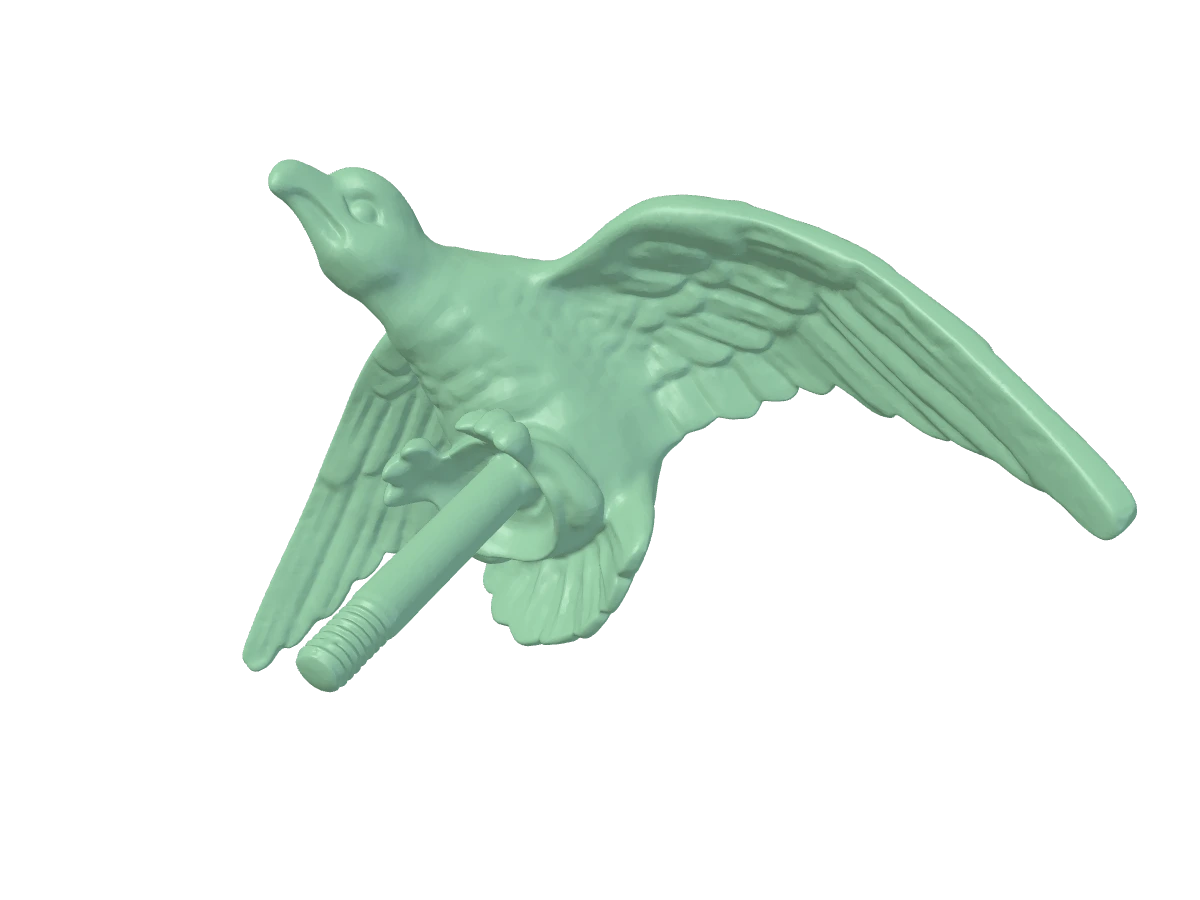 After
Tools compared
Information as documented by each maker, read on November 23, 2026. Geomagic Design X and SOLIDWORKS are as of October 8, 2026: their pages could not be read again.
| Tool | Type | Operating system | What the STEP contains | Automatic or manual | Free trial |
|---|---|---|---|---|---|
| OperGo Surface | Web app, nothing to install | Any system with a browser | Smooth surfaces; exact faces on CAD parts; not parametric | Automatic | Viewing the result is free; Normal-quality downloads are free with a daily limit |
| Geomagic Design X | Desktop | Windows, 64-bit | Parametric, editable solid models, with design history transferred to CAD | Assisted: automated wizards plus modeling by the user | Evaluation license on request |
| QUICKSURFACE | Desktop, or add-in for SOLIDWORKS | Windows 10, 64-bit | Parametric CAD models; clean STEP and IGES export | Assisted: automatic surfacing and, from version 2027, one-click parametric CAD from scans, plus parametric modeling | 30-day trial |
| Mesh2Surface for Rhinoceros | Plug-in for Rhino | Not stated by the maker | NURBS surfaces and curves inside Rhino | Assisted: shapes and sketches on the mesh inside Rhino | 15-day trial |
| Autodesk Fusion (Convert Mesh) | Desktop with Autodesk cloud | Windows 11; macOS 15 or later | A solid if the mesh is watertight, a surface if not; faceted, prismatic or organic methods | One command with three methods; later modeling is manual | 30-day trial |
| SOLIDWORKS (ScanTo3D) | Desktop | Windows, 64-bit | A surface or solid model; ScanTo3D is only in SOLIDWORKS Premium | Not stated by the maker | Online trial in the browser; longer evaluation through a reseller |
| Rhino 9 | Desktop | Windows 11; Mac with Apple silicon | NURBS polysurfaces | Manual: a chain of commands | 90-day evaluation |
| Online STL to STEP converters | Web | Any system with a browser | Faceted STEP: one planar face per triangle | Automatic, without reconstruction | Not applicable |
Source: the makers' own pages and documentation. Where the maker does not say, the cell says so.
Try OperGo Surface on your own part
The quickest way to compare is with a file you already have. Nothing to install and no trial to request.
Upload your mesh
An STL, OBJ, PLY, 3MF or AMF file from a scanner, a 3D print or a CAD export. STL, OBJ and PLY are read in millimeters.
See the STEP in 3D
The result appears next to your mesh, with a map of how far it departs and the maximum deviation. Viewing is free at every quality.
Download it
A closed part or an open surface at Normal quality downloads for free, up to 3 a day. Open it in any CAD that reads STEP.
What differs between them
The first difference is where the tool runs. OperGo Surface works in the browser, so there is nothing to install and you do not need Rhino, SOLIDWORKS or Fusion. The desktop programs in the table need their own installation or host program.
The second is what the STEP file contains. A faceted STEP holds one flat face per triangle. OperGo Surface returns smooth surfaces and, on a part drawn in CAD software, exact planes and cylinders. It is not parametric: it has no feature tree or history, which is a difference with the programs that document parametric models.
The third is how much work is left to you. OperGo Surface goes from the file to the STEP without surface modeling by the user. The desktop programs add modeling tools on top of their automatic ones, which is what a job needs when you want to redraw a part with its design intent.
What OperGo Surface returns
Real conversions, each with its mesh and its STEP side by side.
A free-form knob
Closed part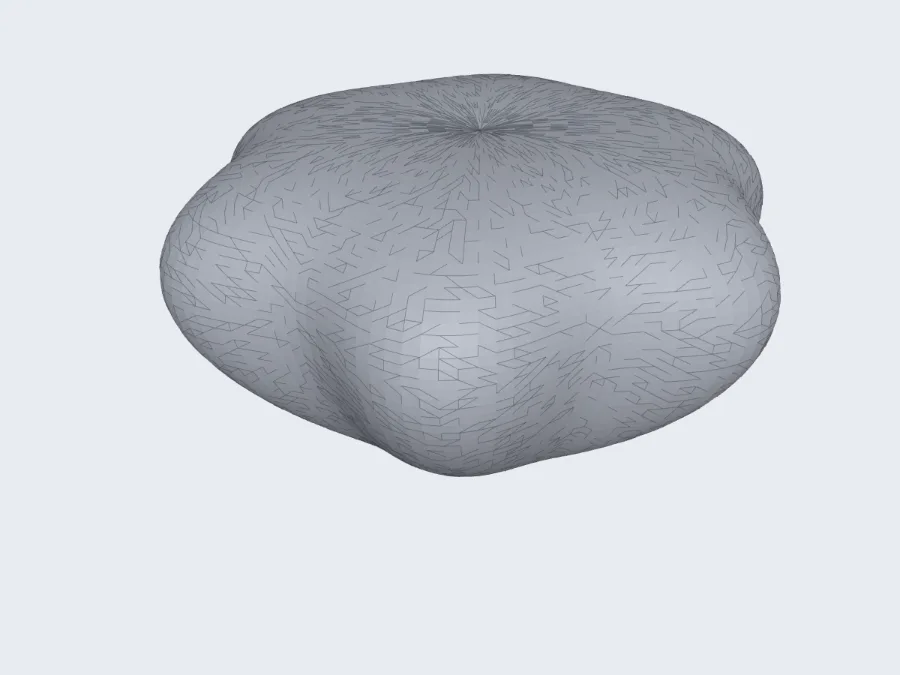
Before 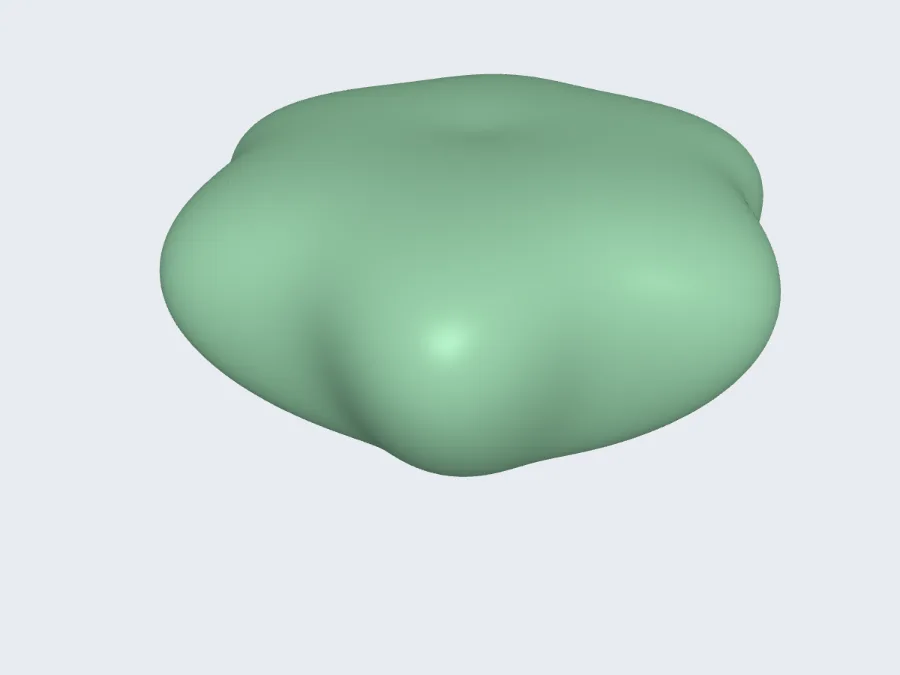
After 16,128 triangles → resolution 642 · maximum deviation 0.15 mm
A miter box
CAD part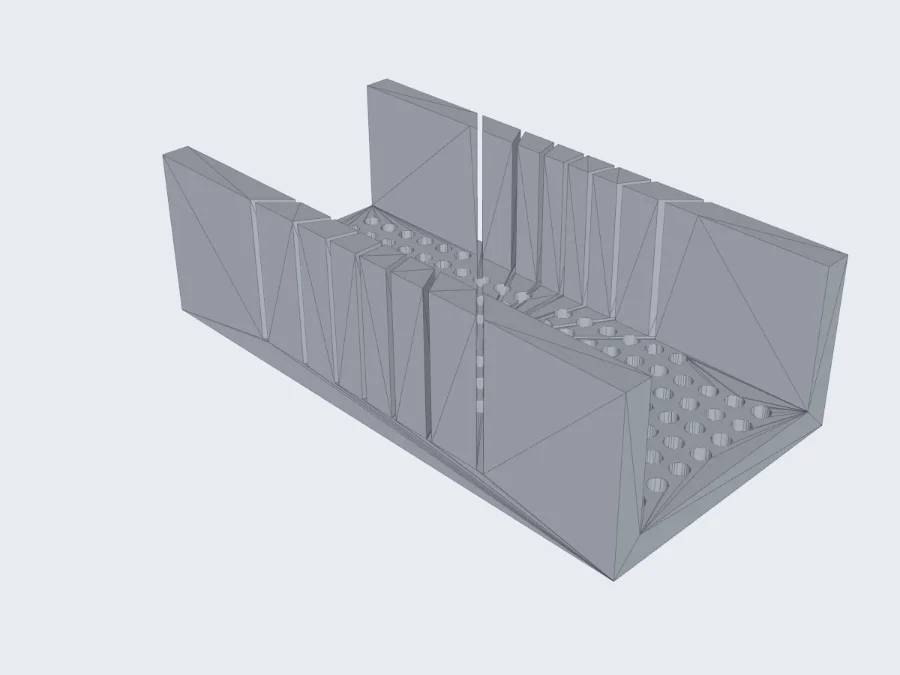
Before 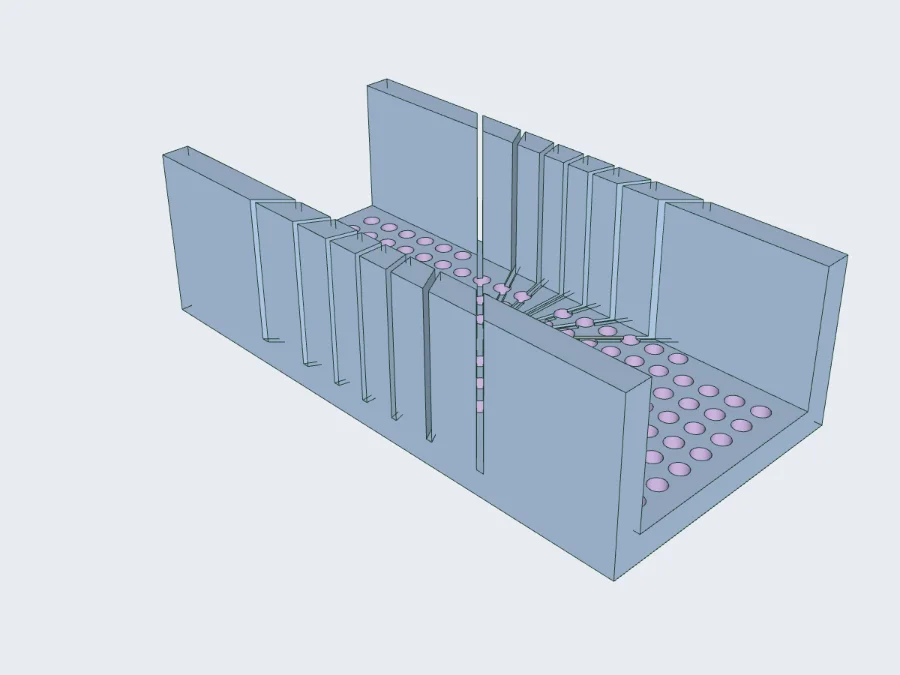
After 20,258 triangles → 307 exact faces · 99.9% exact shape
Model by caesar_1111 · CC BY
An open spherical cap
Open surface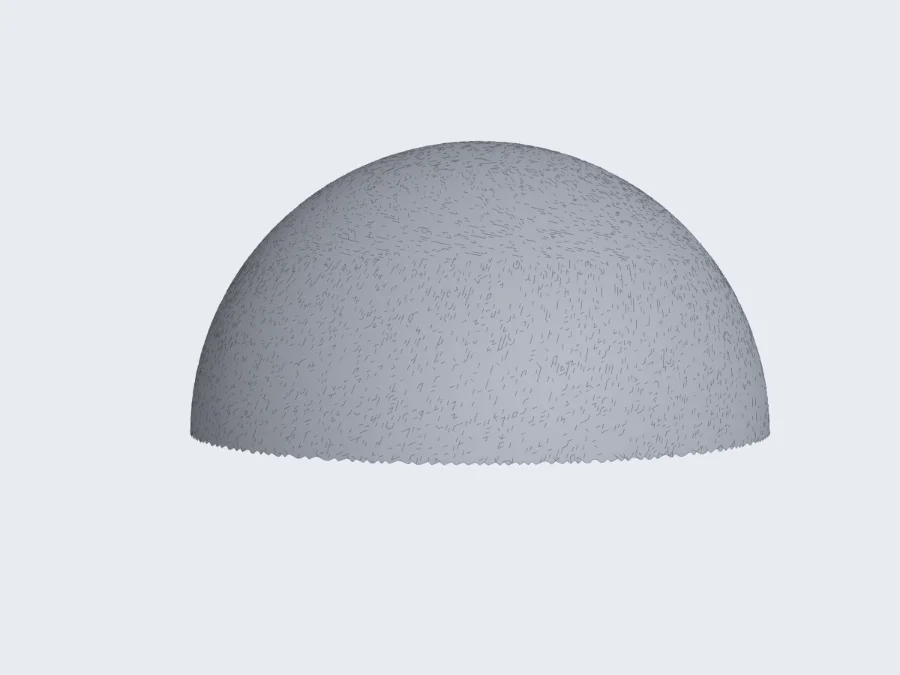
Before 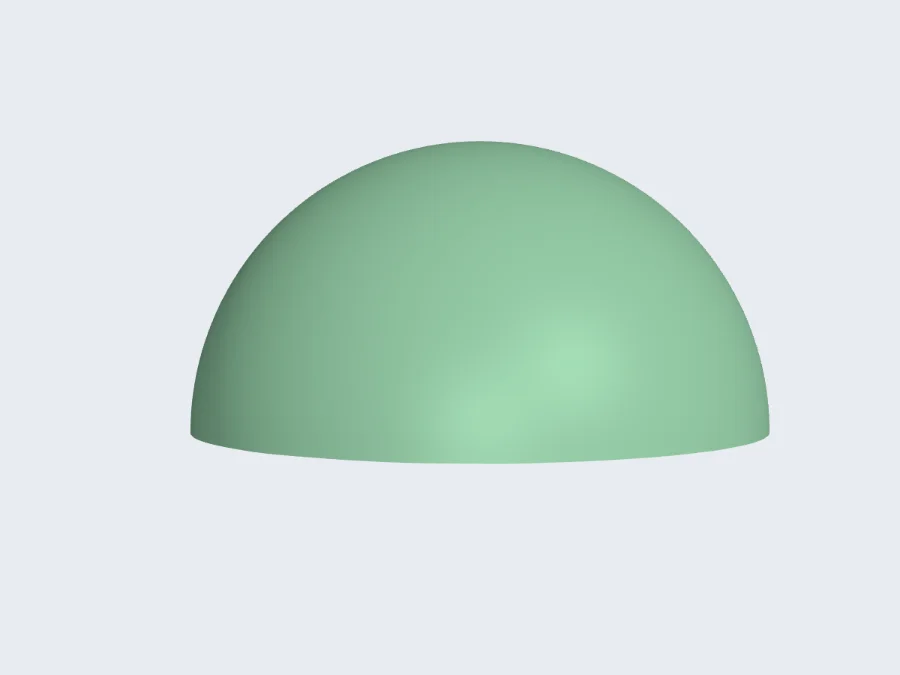
After 92,808 triangles → resolution 609 · maximum deviation 0.21 mm
How we made this table
We read each maker's official pages and documentation on November 23, 2026. The pages of Geomagic Design X and SOLIDWORKS could not be read again that day, so their rows keep what we read on October 8, 2026. When a page could not be read in full, the cell says "Not stated by the maker" instead of a guess. Names are written in plain text and belong to their makers.
Prices change: check the maker. We left the prices out on purpose, so this page does not go out of date.
Questions about mesh to CAD software
What does mesh to CAD software do?
It turns a mesh, a list of triangles from a scanner or a print file, into surfaces and solids that a CAD program can work with.
Is there an alternative to QUICKSURFACE or Geomagic Design X that runs in the browser?
OperGo Surface runs in the browser and needs no installation. It is a different kind of tool: it goes from the file to a STEP automatically, without surface modeling by the user. The desktop programs in the table add modeling tools for jobs that need them.
Can I try OperGo Surface for free?
Yes. Upload a part and you see the result in 3D for free, at every quality. A closed part or an open surface at Normal quality also downloads for free, up to 3 a day. Higher resolutions and CAD parts are paid per file, with no subscription.
Do I need Rhino, SOLIDWORKS or Fusion to use OperGo Surface?
No. It runs in the browser and gives you a STEP file that those programs, and any CAD that reads STEP, can open.
How much does Geomagic Design X cost?
When we read it on October 8, 2026, the maker did not publish prices on its product page. The page named three levels, Go, Plus and Pro, and asked you to speak to an expert. Ask the maker or a reseller for the current price.
Is the information on this page current?
It was checked on November 23, 2026, except the Geomagic Design X and SOLIDWORKS rows, which are as of October 8, 2026. Makers update their products, so check their pages before you decide.
Related guides
STL vs STEP
STL vs STEP: an STL is a list of triangles that describes only the surface shape; a STEP holds exact surfaces and solids a CAD can measure and edit.
Faceted vs smooth STEP
Faceted vs smooth STEP: a faceted STEP has one flat face per triangle. Check your file in a minute and learn how to get smooth surfaces instead.
3D scan to CAD
3D scan to CAD in plain terms: what a scanner gives you, which mode fits your scan, how to prepare it, and how to check the STEP you get.
Try it on your own part
Upload your mesh and see the STEP in 3D next to it. Viewing is free at every quality, and Normal quality downloads for free.