
Scanner guide
3DMakerpro to STEP: from a JMStudio mesh to a CAD solid
3DMakerpro to STEP takes one step outside JMStudio: the 3DMakerpro scan software exports meshes as OBJ, STL or PLY, not STEP files. Export the mesh, upload it to OperGo Surface and download a STEP your CAD opens as a solid, after checking how far it departs from your scan.
STL, OBJ, PLY, 3MF or AMF · in millimeters
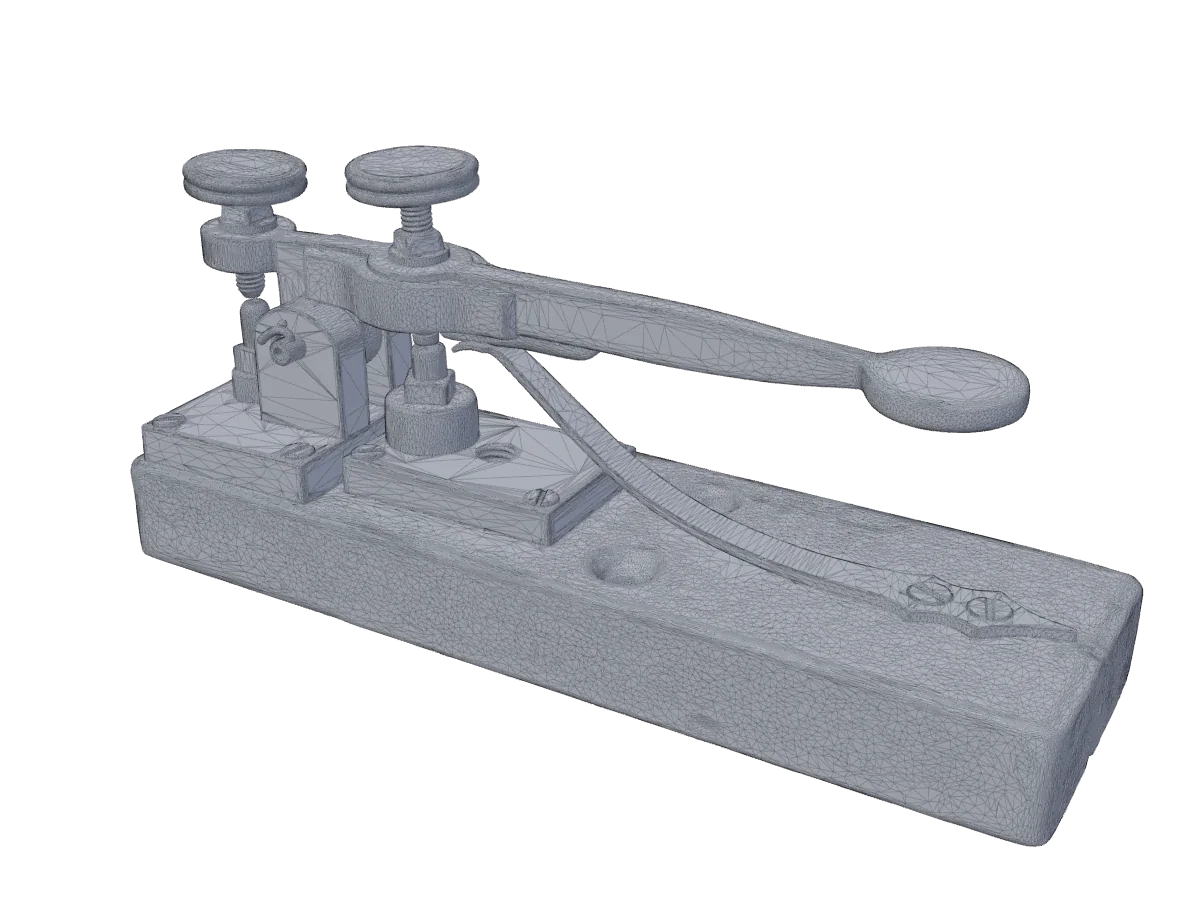 Before
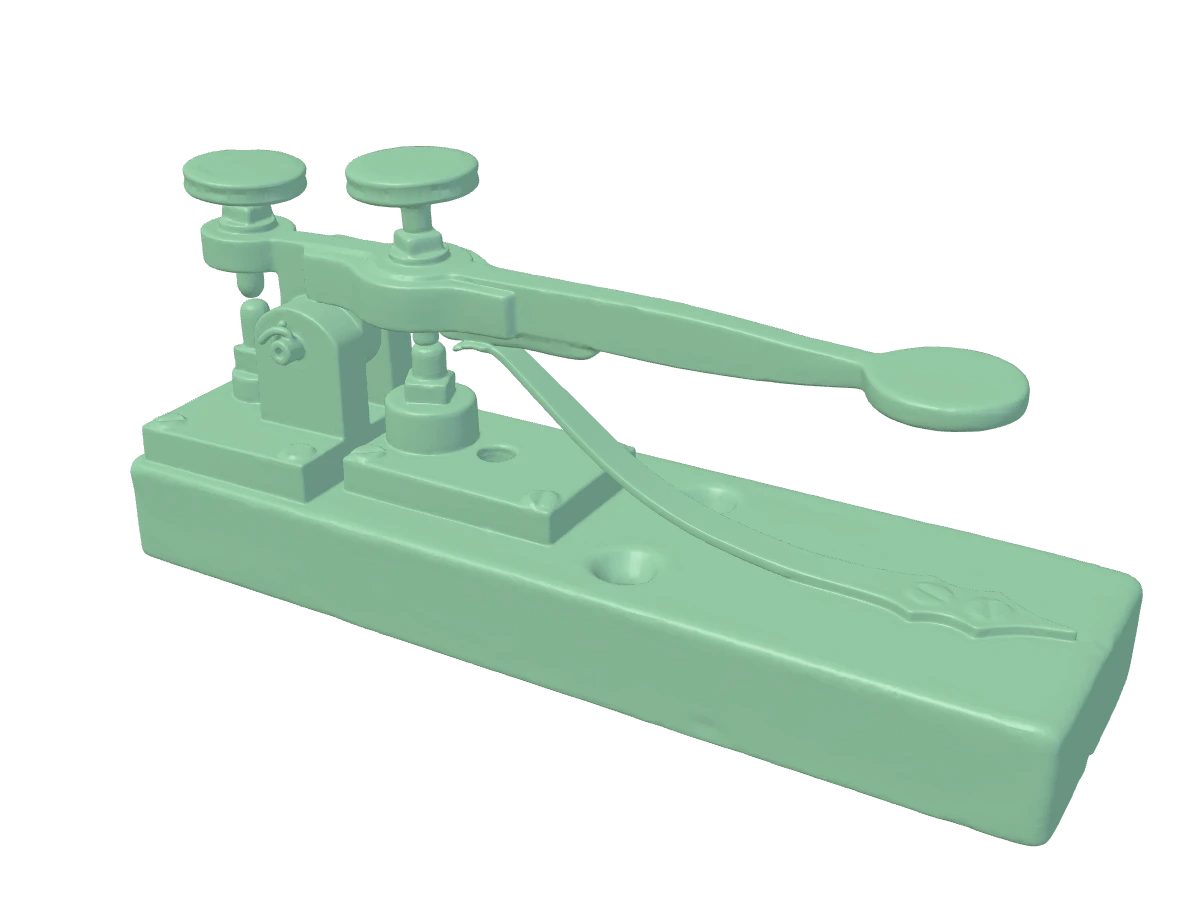 After
Which 3DMakerpro scanners this covers
The 3DMakerpro scanners on sale or in pre-order in October 2026, among them the Seal and Seal Lite, the Moose and Moose Lite, the Turtle and the Toucan, save their scans through JMStudio. Whichever model made the scan, what comes out is a mesh.
If you scan small, detailed parts, that detail is in the mesh as triangles, not as surfaces your CAD can measure: see STL vs STEP for the difference.
What JMStudio exports, and which file to upload
| Format | What it holds | For OperGo Surface |
|---|---|---|
| STL | The mesh, no color | Yes. The simplest choice |
| OBJ | The mesh | Yes. Only the shape is used |
| PLY | The mesh, or a point cloud | Yes, as a mesh. A point cloud has no triangles |
| ASC | Points only | Not read. Export the mesh |
| RSCAN | The JMStudio project | Not read. Export the mesh |
Export formats from the 3DMakerpro JMStudio page, checked on 26 October 2026.
From JMStudio to STEP
Finish the mesh in JMStudio
Turn the scan into a mesh before you export. A point cloud alone has no surfaces to convert, and an RSCAN project file only opens in JMStudio.
Remove what is not the part
Cut away the turntable and anything scanned with the part. Leftovers end up in the STEP as part of the shape.
Export STL, OBJ or PLY
Any of the three works. If your scan has color, the STEP keeps the shape only.
Upload, pick the mode and check
A whole object converts as a Closed part and gives a solid; a scan of one side gives an Open surface. Look at the deviation map, then download the STEP.
What to watch for
- Small parts and fine detailFor a small part, look at the deviation map closely at the details you care about. If an area is too far off, try a higher resolution and compare.
- UnitsAn STL stores no units. OperGo Surface reads it in millimeters; if the part comes out 25.4 times off, turn on "Is your file in inches?".
- Thousands of flat facesSaving the mesh straight as STEP from CAD software gives one flat face per triangle. See faceted vs smooth STEP for how to tell.
Questions about 3DMakerpro to STEP
Can JMStudio export STEP?
No. JMStudio exports meshes as OBJ, STL and PLY, point clouds as ASC, and its own RSCAN project files. A STEP comes from converting the mesh.
Which 3DMakerpro file should I upload?
STL is the simplest. OBJ and PLY work too. Do not upload the RSCAN project or a point cloud.
Does it work with Seal, Moose and Toucan scans?
Yes. They all save through JMStudio, and what matters is the mesh, not the model that made it.
Does the STEP keep the color of my scan?
No. The STEP describes the shape only, as smooth surfaces. Color and texture are left out.
Is OperGo part of 3DMakerpro?
No. 3DMakerpro and its product names belong to their owner, and OperGo is not affiliated with it.
Related guides
3D scanner to STEP
3D scanner to STEP: scan software exports a mesh, not a STEP. What Revopoint, Creality, Shining 3D, 3DMakerpro and phone apps export, and how to convert it.
3D scan to CAD
3D scan to CAD in plain terms: what a scanner gives you, which mode fits your scan, how to prepare it, and how to check the STEP you get.
Faceted vs smooth STEP
Faceted vs smooth STEP: a faceted STEP has one flat face per triangle. Check your file in a minute and learn how to get smooth surfaces instead.
OBJ to STEP
Convert OBJ to STEP online. Upload your OBJ file, check the result in 3D against your mesh, and download a STEP your CAD can open.
Can you CNC an STL file?
Can you CNC an STL file? Sometimes, but an STL is only triangles. What machining needs, how to turn an STL into a STEP, and what to send for a quote.
Convert STL to STEP
Convert STL to STEP online. Smooth surfaces, and exact planes and cylinders on CAD parts, not one flat face per triangle. Check the result before downloading.
Put your 3DMakerpro scan to the test
Upload the mesh from JMStudio and see the result in 3D next to it. Viewing is free at every quality.